Description of Setup Buttons 15-48
15
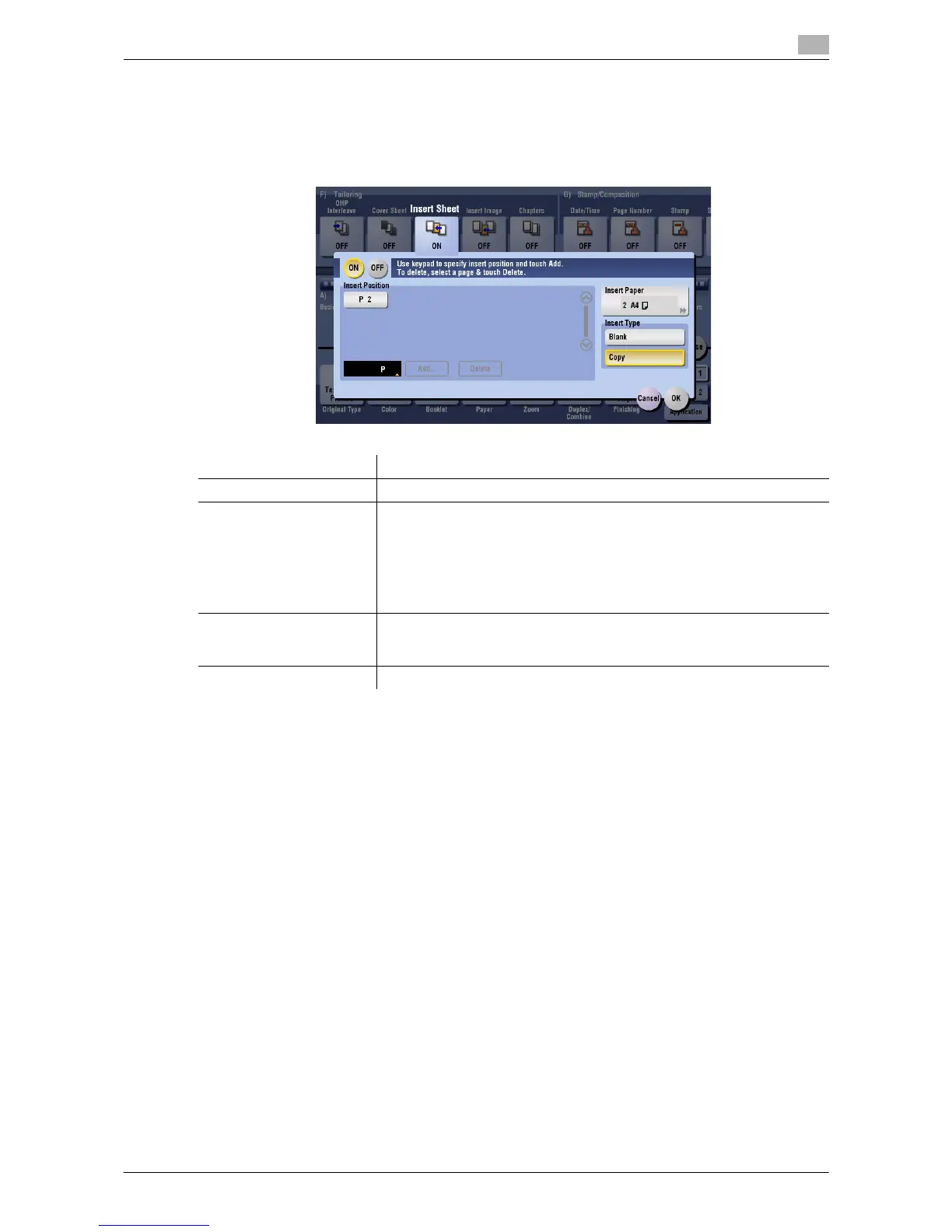
[Insert Sheet]
To display: [Copy] - [Application] - [Tailoring] - [Insert Sheet]
You can insert a sheet that is of a different type from other pages (such as color and thick papers) for a spec-
ified page.
Settings Description
[ON]/[OFF] Select [ON] to specify Insert Sheet.
[Insert Position] Set a page number where you wish to insert a different sheet.
• Enter an insertion page number using the Keypad and press [Add] to
register the insertion page number.
• If you have entered an incorrect page number, select this number and
tap [Delete].
• If page numbers are entered in random sequence, they are rearranged
in the ascending order automatically.
[Insert Paper] Select the paper tray containing insertion paper.
Use the same size insertion sheets and body sheets, and stack them in the
same orientation.
[Insert Type] Select whether or not to copy on the insertion paper.


 To Next Page
 Loading...




