Description of Setup Buttons 15-13
15
Tips
- To use the Punch function:
–The Finisher C2280FN2 and Punch Kit C2280PUN, or the Finisher C2280FN and Punch Kit
C2280PUN are required.
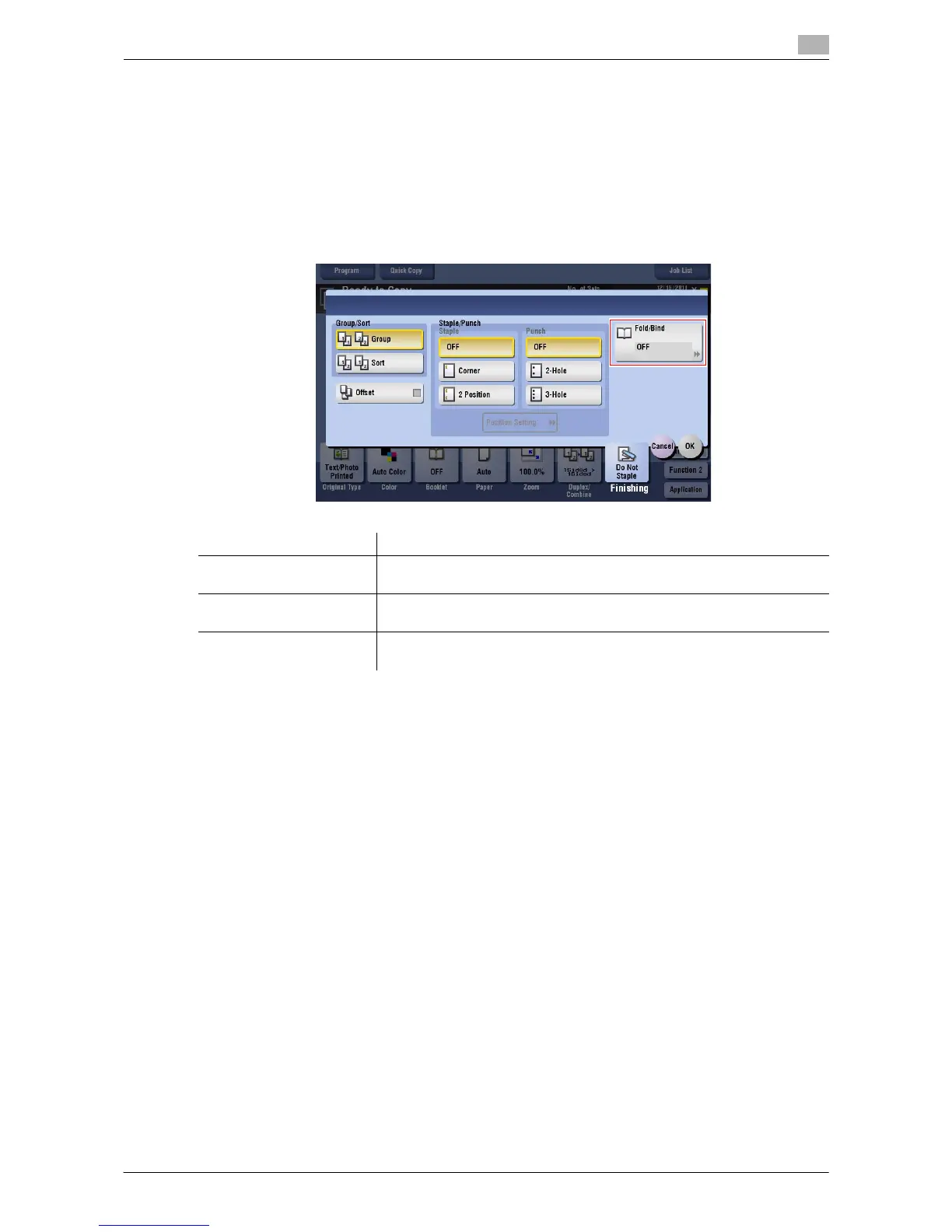
[Fold/Bind]
To display: [Copy] - [Finishing] - [Fold/Bind]
Select how to fold or bind paper.
Tips
- To use the Half-Fold/Bind function:
–The Finisher C2280FN2 and Saddle Stitcher C2280SD are required.
- To use the Tri-Fold function:
–The Finisher C2280FN2 and Saddle Stitcher C2280SD are required.
Settings Description
[Half-Fold] Feeds out a copied sheet by folding it in two.
For details, refer to page 15-14.
[Center Staple & Fold] Staples and feeds out a printed sheet by folding it in two.
For details, refer to page 15-14.
[Tri-Fold] Feeds out a copied sheet by folding it in three.
For details, refer to page 15-15.


 To Next Page
 Loading...




