Copy Operations 1-7
1.3 Previewing the copy job
1
1.3 Previewing the copy job
Checking the preview image before copying
You can check the finishing image of a copy in the Touch Panel before copying.
By checking whether any incorrect setting is specified with the finishing image, you can prevent a number of
copy errors.
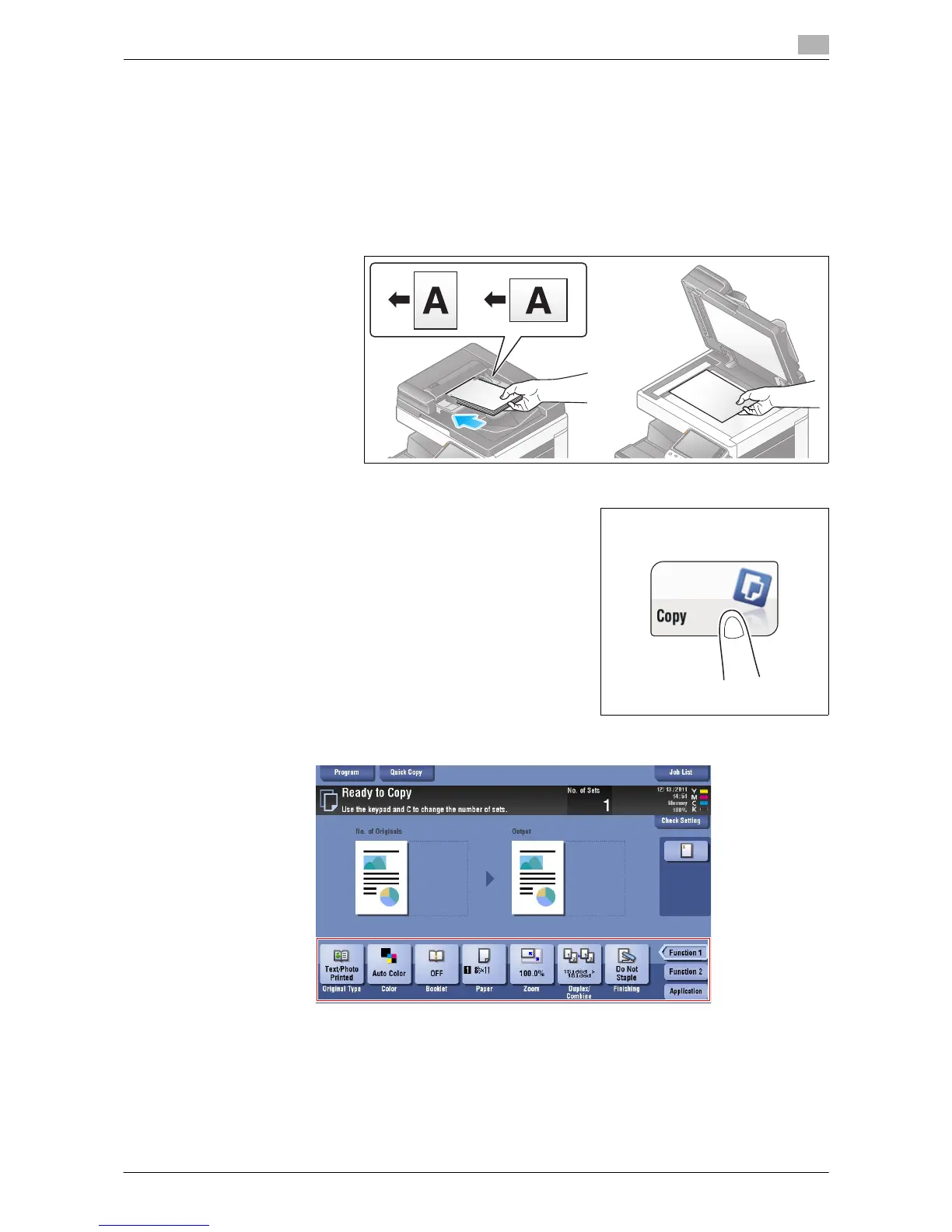
1 Load the original.
2 Tap [Copy].
3 Configure copy settings.



 To Next Page
 Loading...




