Copy Operations 1-5
1.2 Interrupt Copy
1
1.2 Interrupt Copy
If you urgently want to make a copy, even if the machine is printing an original, you can interrupt the active
job and make an intruder copy.
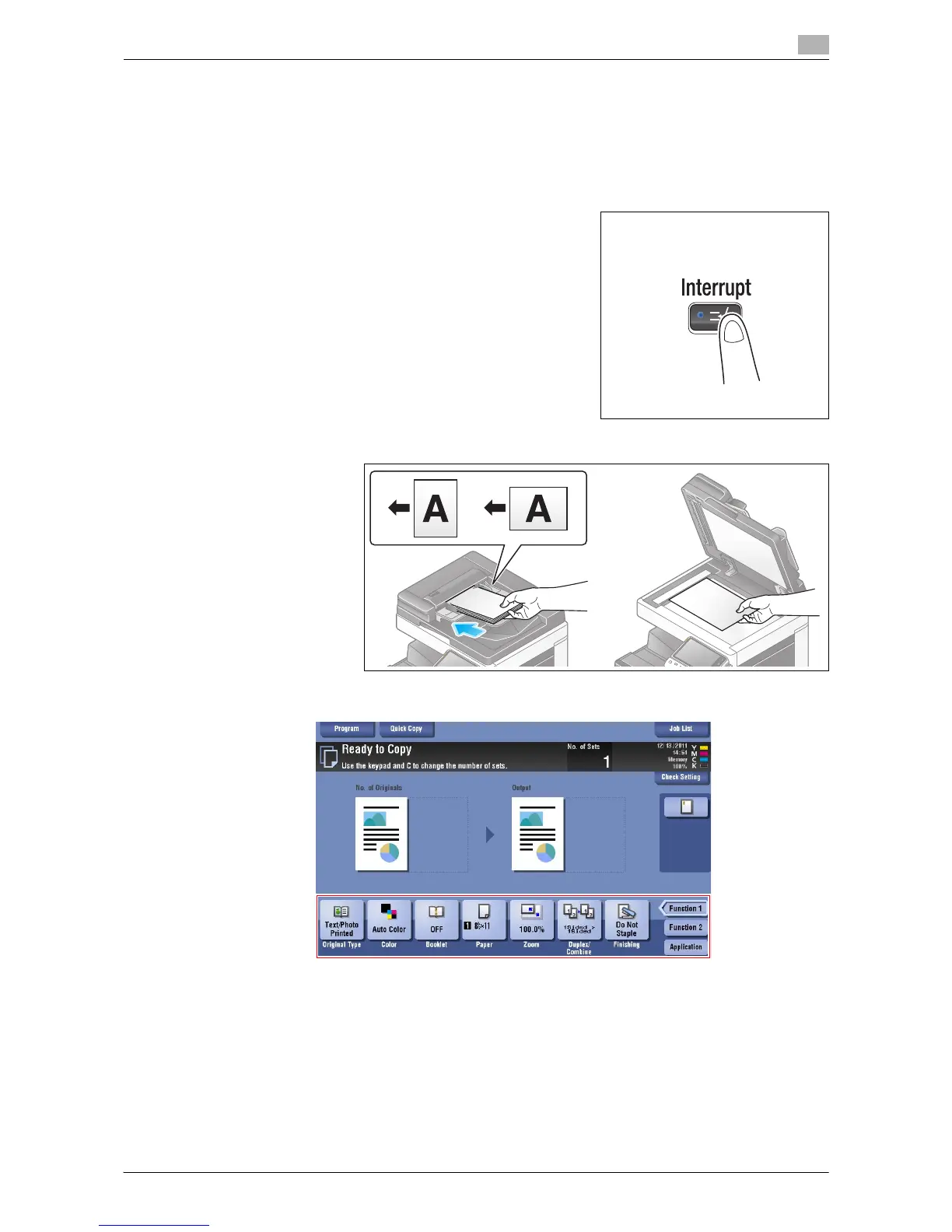
1 Press the Interrupt key.
The indicator on the Interrupt key lights up in green and printing of the current job is suspended.
2 Load the original.
3 Configure copy settings.


 To Next Page
 Loading...




