16/71
Modem Web Interface
MDM2210
User Manual R4.1 v1.0
4.6 Terminal Installation
4.6.1 Introduction
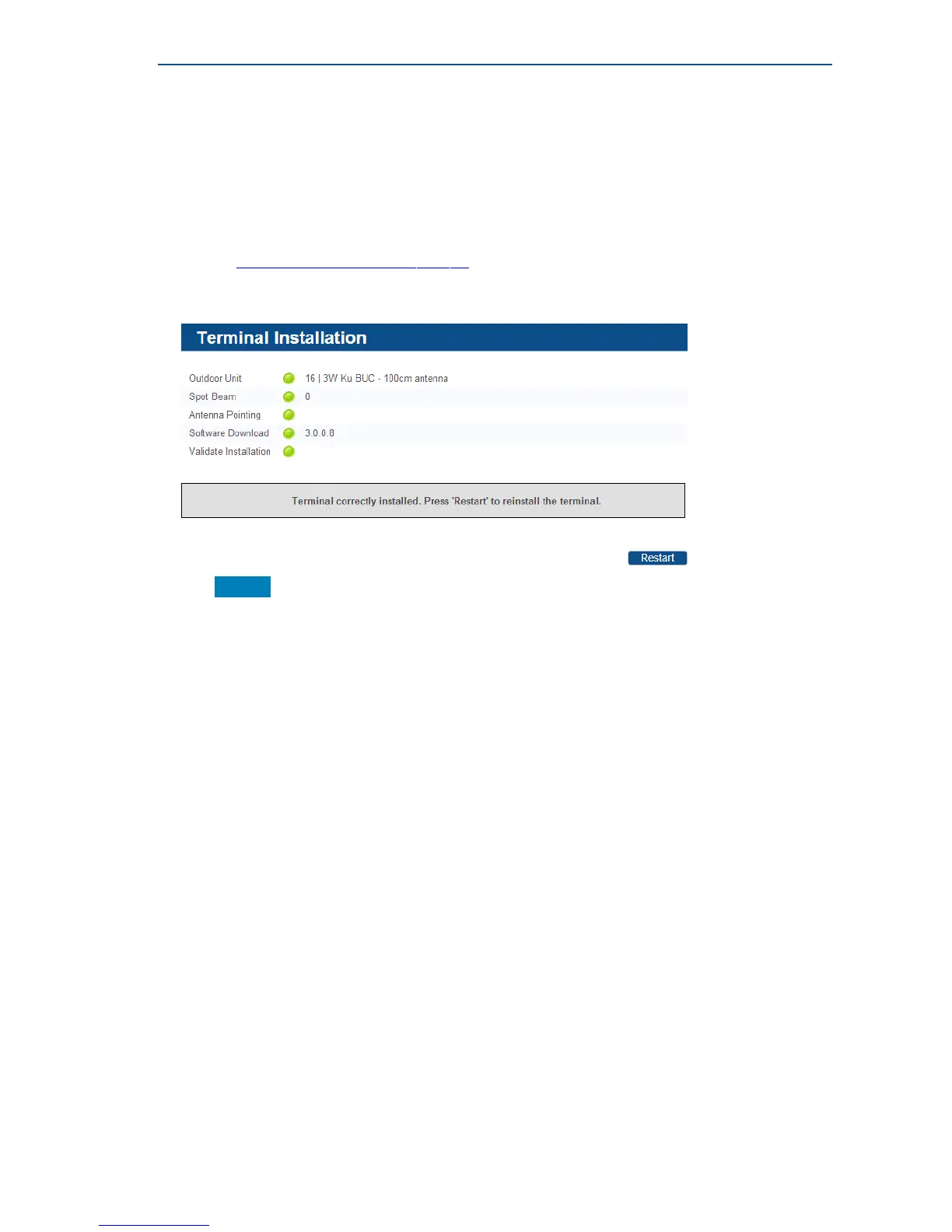
The first time your modem starts up, you are redirected to the Terminal Installation page. The
installation procedure must be performed step by step, and starts with selecting an outdoor unit
(see sectionSelectingtheOutdoorUnitonpage17).
If your modem has already been installed before, an overview of the selected installation settings is
displayed.
» Click Restart to restart the complete installation procedure.



 To Next Page