56/71
Modem Web Interface
MDM2210
User Manual R4.1 v1.0
4.9.3 Generating a Log File
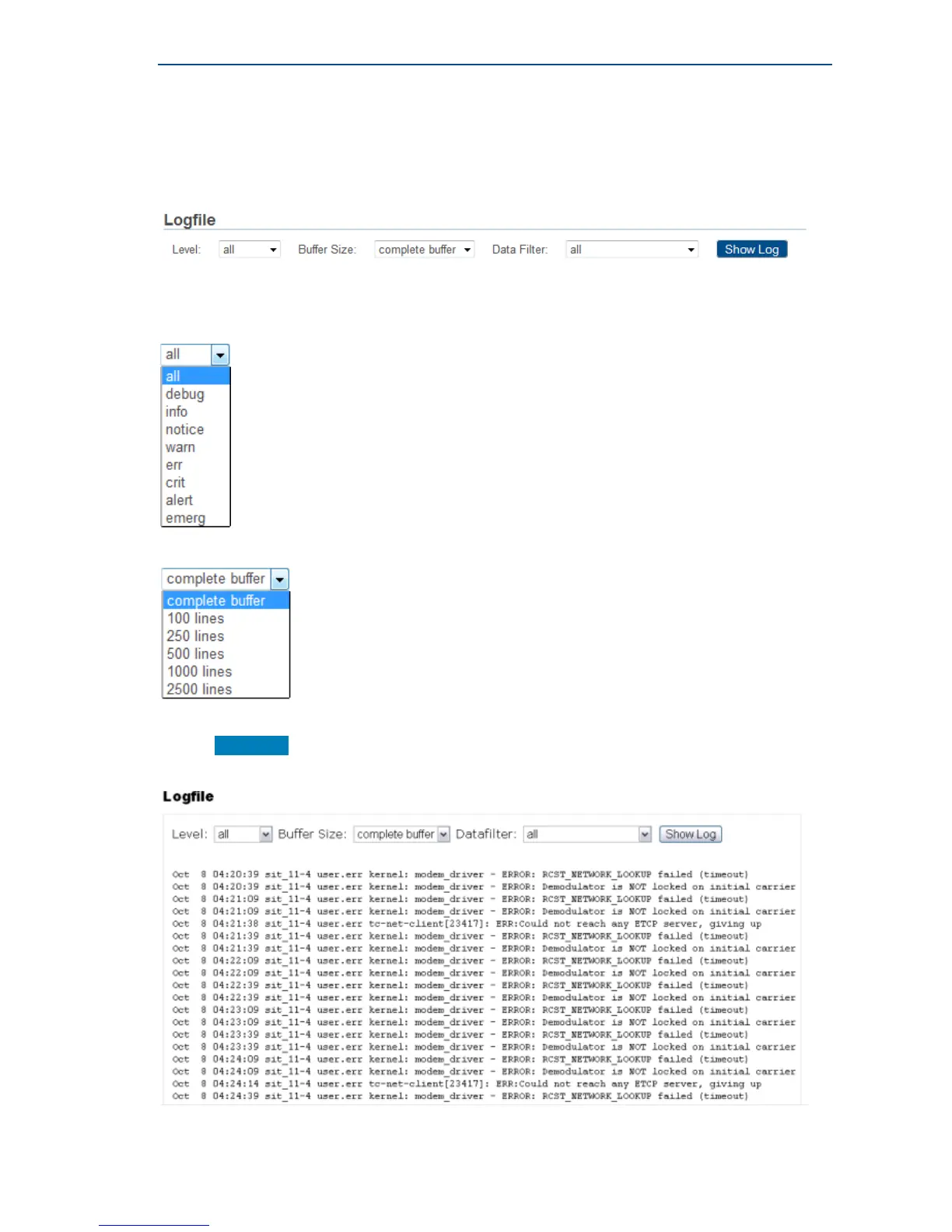
The most important modem state changes, occurred errors, events, etc. are logged in the logfile.
The expert has the possibility to filter in terms of; severity level, buffer size and data type.
» Filter the required logs by choosing level, buffer size and data filter.
The possible severity levels are:
The possible buffer sizes in number of lines are:
• The possible data types
• Click Show Log
The logs are displayed. See below an example of a partial Logfile:



 To Next Page