23/71
Modem Web Interface
MDM2210
User Manual R4.1 v1.0
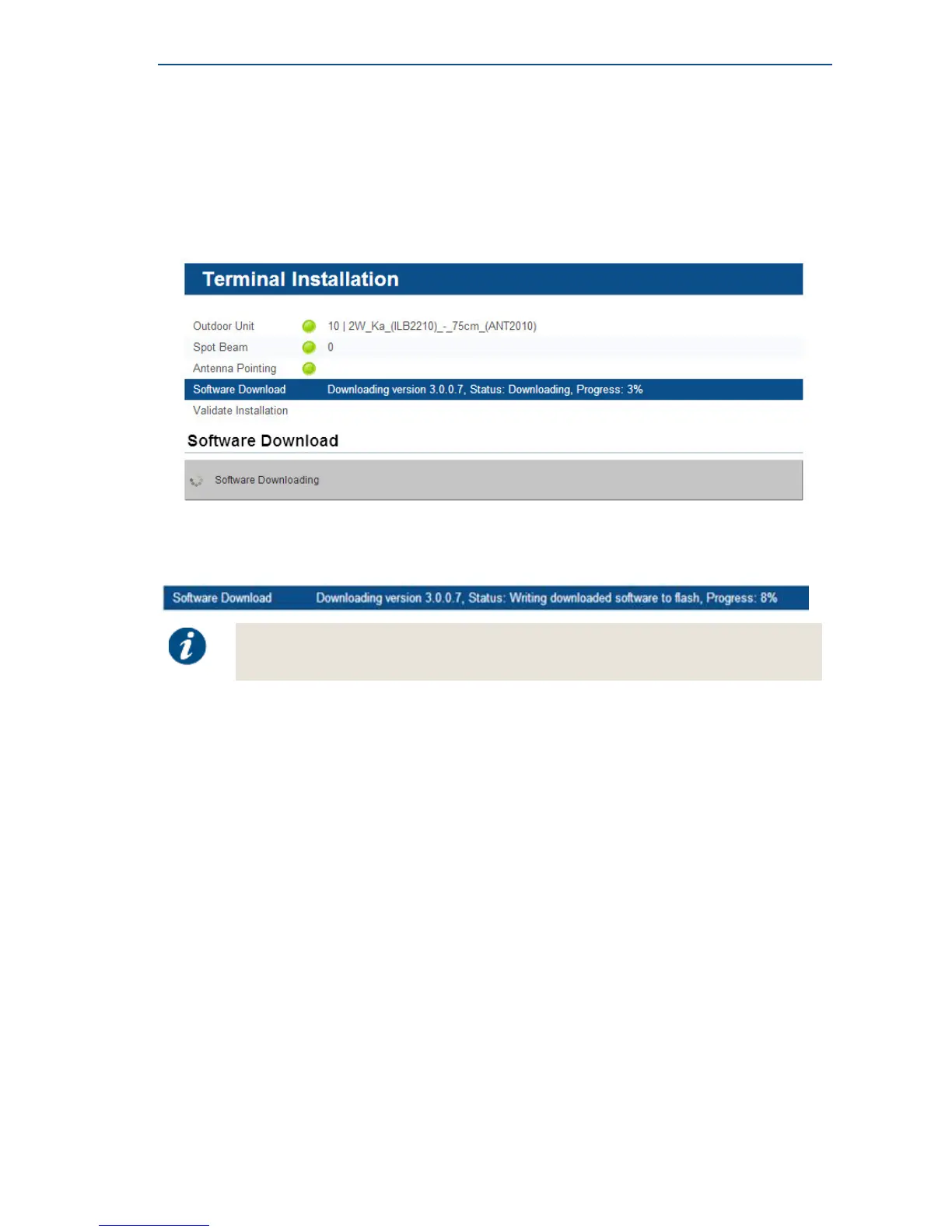
4.6.5 Software Download
The modem continuously checks for software updates.
» If the software is still up to date, this step is skipped automatically.
You can proceed to the next step: Validating the Installation.
» If a newer software version is available, download will start automatically.
Once the download is complete, the new software is written to flash memory and the modem
reboots to activate the new software. You can now proceed to the next step: Validating the
Installation.
You may need to refresh the page of your browser manually after the reboot.



 To Next Page