19/71
Modem Web Interface
MDM2210
User Manual R4.1 v1.0
4.6.4 Pointing the Antenna
Before proceeding with this step, make sure that:
• Your antenna and iLNB are properly installed. For instructions, refer to the
Installation Guide provided with your terminal.
• The RX interface of the iLNB is connected to the RX interface on the modem.
Note: The TX interfaces should not yet be connected.
Except when working with the ILB2220/ILB2221 outdoor unit. This because a single
cable connection is supported between these two devices.
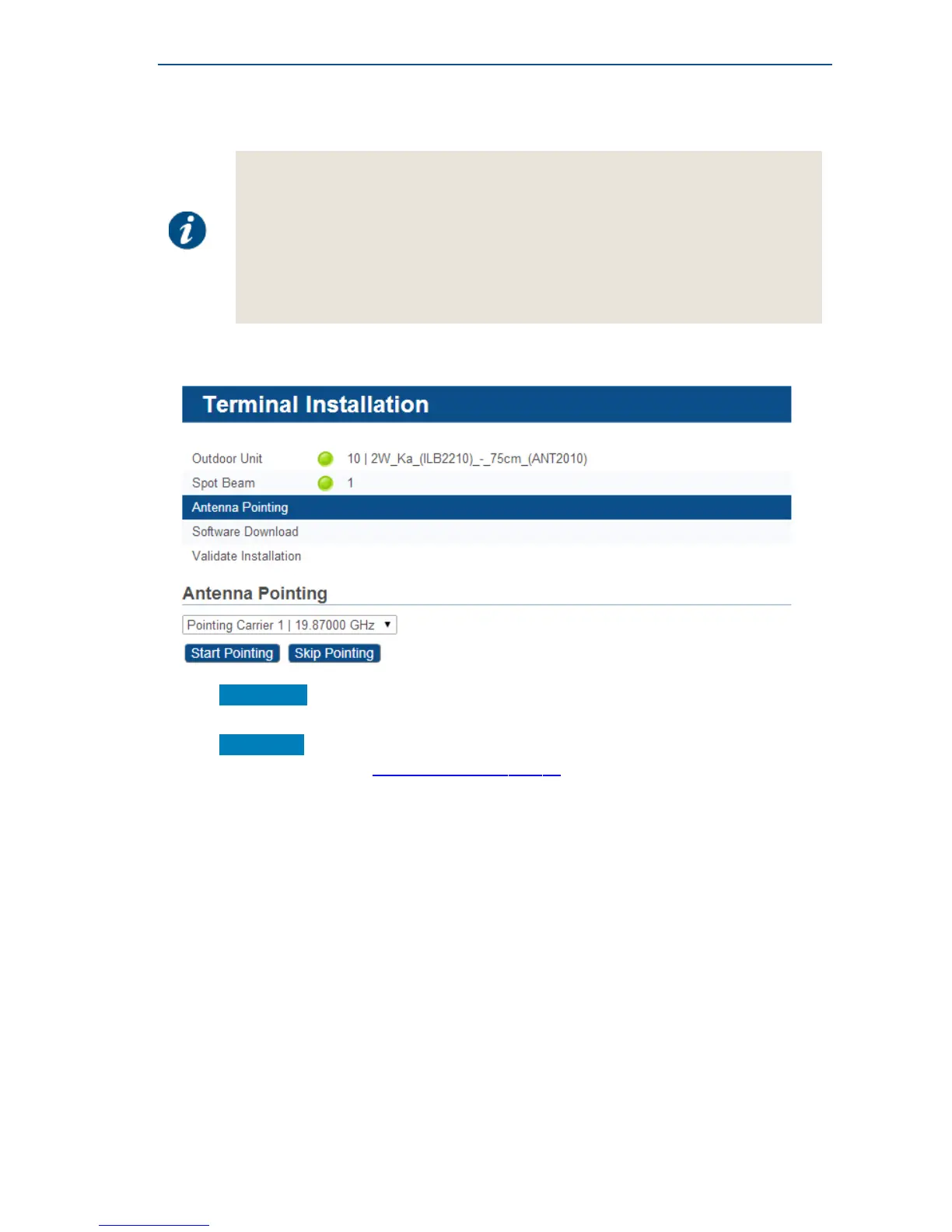
» If two pointing carriers have been preconfigured, keep the pre-selected carrier. If pointing fails
during the procedure, you will need to repeat this step with the other pointing carrier.
» Click Start Pointing to start the pointing procedure with the Point&Play tool and proceed to the
next section: Using the Point&Play Tool.
» Click Skip Pointing to skip the pointing procedure (use if the antenna is already correctly
pointed). You can proceed to SoftwareDownloadonpage23.



 To Next Page