34/71
Modem Web Interface
MDM2210
User Manual R4.1 v1.0
4.7.2 Wi-Fi Interface
4.7.2.1 Introduction
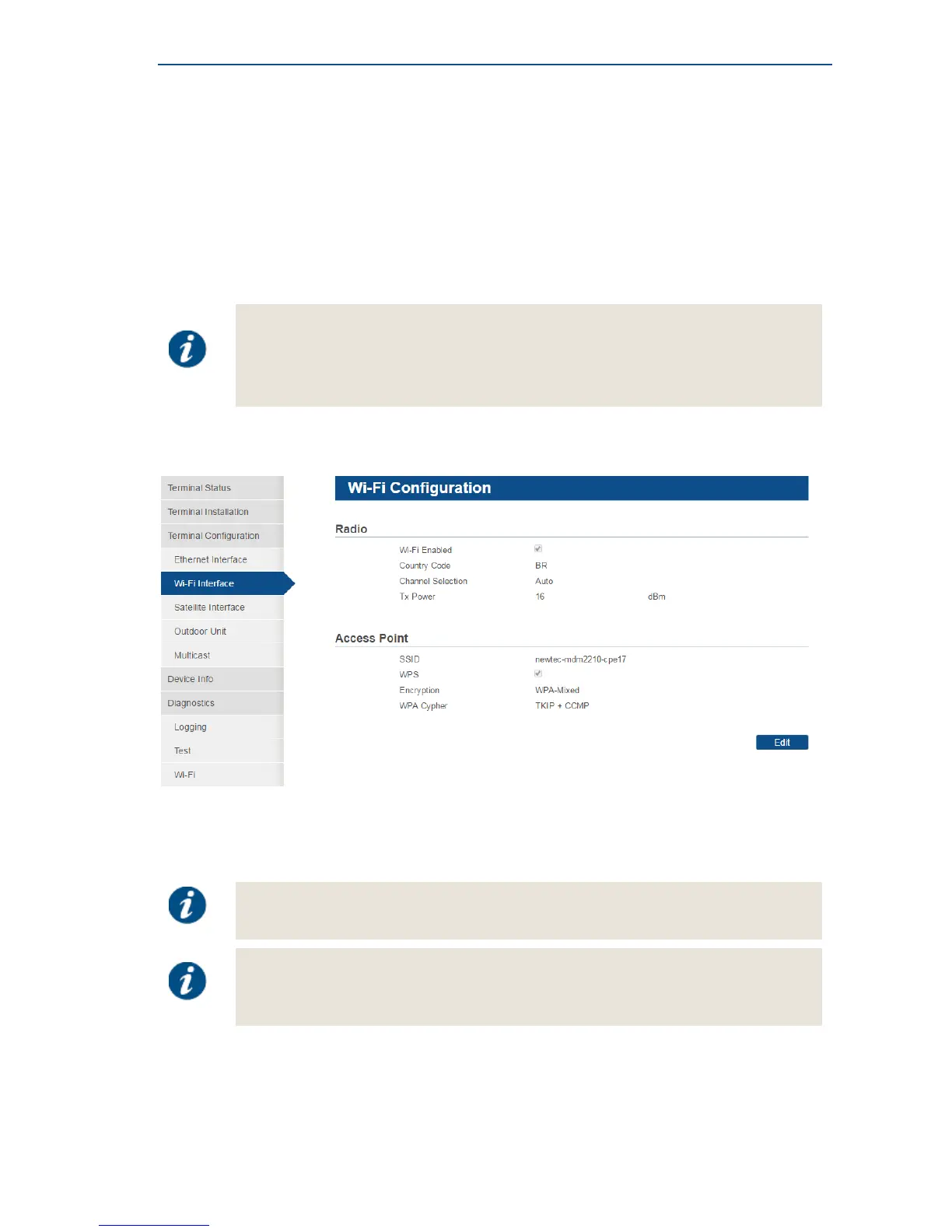
This section describes the Wi-Fi interface.
Wi-Fi provides a wireless connection between the modem and client device, for example a computer
or a smartphone.
Once a connection is established, it is possible to communicate with the MDM2210.
Whether Wi-Fi is enabled on the hub side, depends on the license agreement you
have with your service provider.
When Wi-Fi is enabled on the hub side, it is also possible to connect to other websites
through Wi-Fi.
4.7.2.2 Local Wi-Fi Settings
Radio
The local Wi-Fi settings are typically already configured by your service provider.
Editing the Wi-Fi settings can be disabled by the Service Provider.
In such case, the Edit button is not present and the configuration settings are
read-only.



 To Next Page