28/71
Modem Web Interface
MDM2210
User Manual R4.1 v1.0
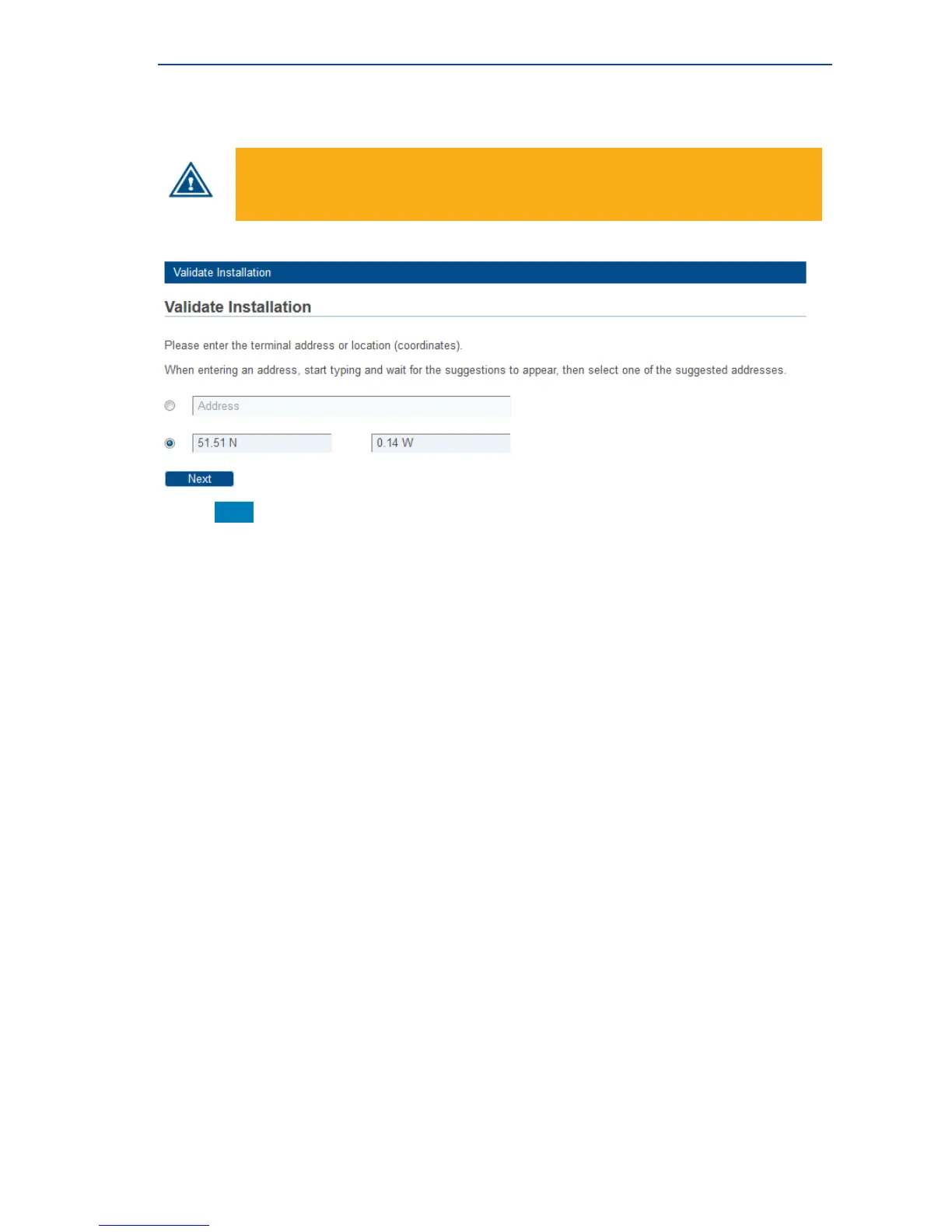
Option 2: Enter your Location
» Enter your location’s latitude and longitude.
These values should be entered in degrees, minutes and seconds notation or in
decimal form (using a dot as a separator).
Positive latitude = NORTH, positive longitude = EAST.
» Click Next to continue.



 To Next Page