85
❚❚ NEF (RAW) Images
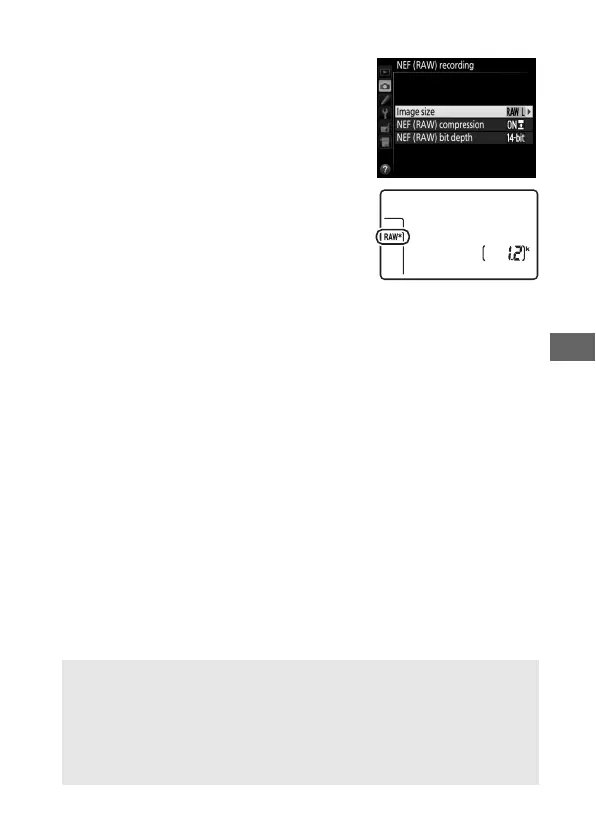
When recording photographs in NEF
(RAW) format, you can choose from sizes
of o Large and p Small using the
NEF (RAW) recording > Image size
option in the shooting menu. Small-size
images are about half the size of their
large-size counterparts.
An asterisk (U)
appears in the control panel when
p Small is selected.
D NEF (RAW) Images
Image size for NEF (RAW) photographs can not be selected using the
T button and command dials.
Small-size NEF (RAW) images are
recorded in uncompressed 12-bit format, regardless of the options
selected for NEF (RAW) compression and NEF (RAW) bit depth in the
NEF (RAW) recording menu, and can not be retouched (0 384).
Control panel



 To Next Page