355
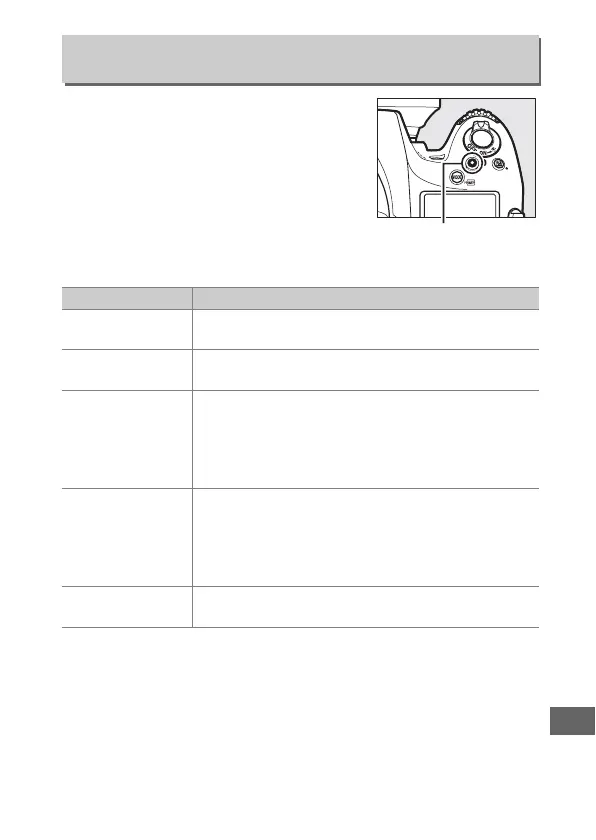
Choose the role played by the movie-
record button during viewfinder
photography and live view
photography.
❚❚ Press + Command Dials
f13: Assign Movie Record Button
G button ➜ A Custom Settings menu
Option Description
m
White
balance
Press the button and rotate a command dial to
choose a white balance option (0 148).
9
ISO
sensitivity
Press the button and rotate a command dial to
choose an ISO sensitivity (0 109).
i
Choose image
area
Press the button and rotate a command dial to
choose from pre-selected image areas (0 74).
Selecting Choose image area displays a list of
image areas; highlight options and press 2 to
select or deselect, then press J.
$
Shutter spd &
aperture lock
Press the button and rotate the main command dial
to lock shutter speed in modes f and h; press the
button and rotate the sub-command dial to lock
aperture in modes g and h.
See page 126 for more
information.
None
No operation is performed if the command dials
are rotated while the button is pressed.
Movie-record button



 To Next Page