116
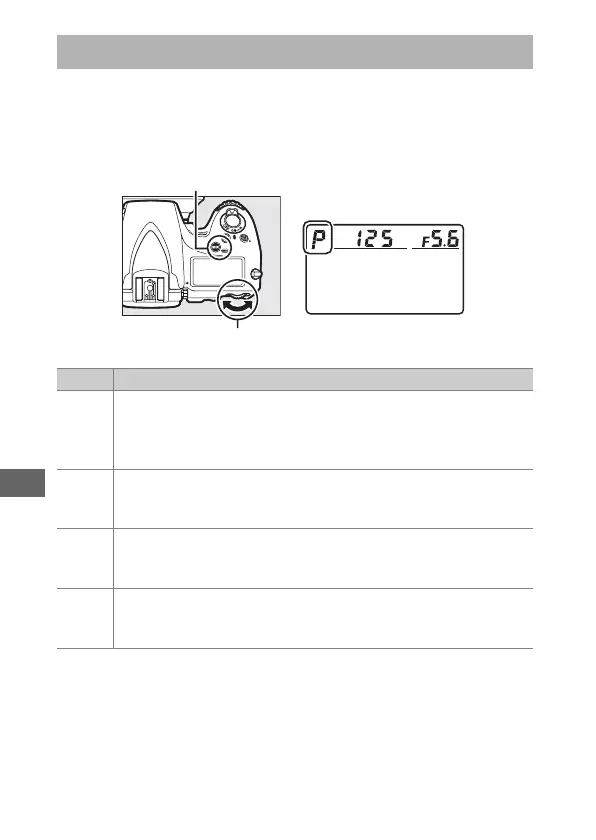
To determine how the camera sets shutter speed and aperture
when adjusting exposure, press the I (Q) button and rotate
the main command dial until the desired option appears in the
control panel.
Exposure Mode
I (Q) button
Main command dial Control panel
Mode Description
e
Programmed auto (0 118): Camera sets shutter speed and
aperture for optimal exposure.
Recommended for snapshots
and in other situations in which there is little time to adjust
camera settings.
f
Shutter-priority auto (0 119): User chooses shutter speed;
camera selects aperture for best results.
Use to freeze or blur
motion.
g
Aperture-priority auto (0 120): User chooses aperture; camera
selects shutter speed for best results.
Use to blur background
or bring both foreground and background into focus.
h
Manual (0 121): User controls both shutter speed and aperture.
Set shutter speed to Bulb (A) or Time (&) for long time-
exposures.



 To Next Page