189
Flash Photography
The built-in flash can be used not only when natural lighting is
inadequate but to fill in shadows and backlit subjects or to add a
catch light to the subject’s eyes.
1 Choose a metering method (0 114).
Select matrix, center-weighted, or highlight-weighted
metering to activate i-TTL balanced fill-flash for digital SLR.
Standard i-TTL flash for digital SLR is activated automatically
when spot metering is selected.
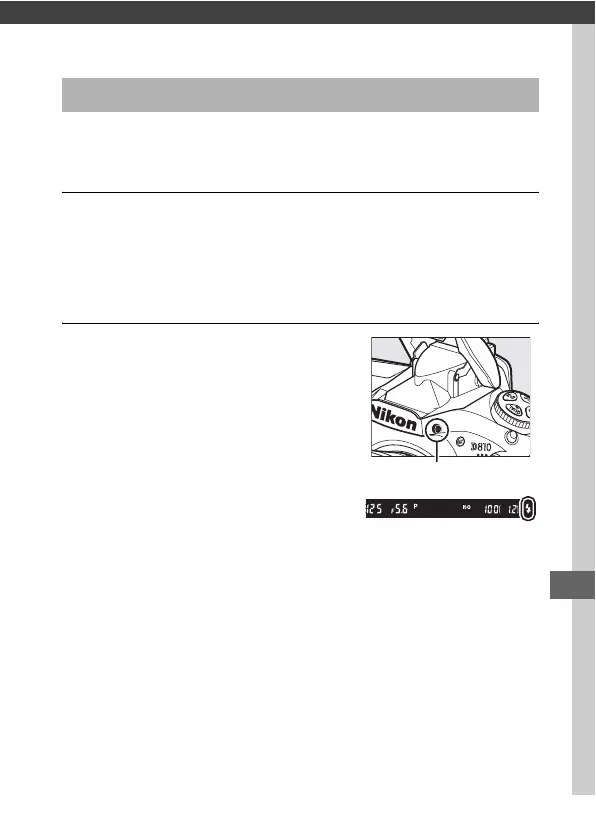
2 Press the flash pop-up button.
The built-in flash will pop up and
begin charging.
When the flash is
fully charged, the flash-ready
indicator (c) will light.
Using the Built-in Flash
Flash pop-up button



 To Next Page