404
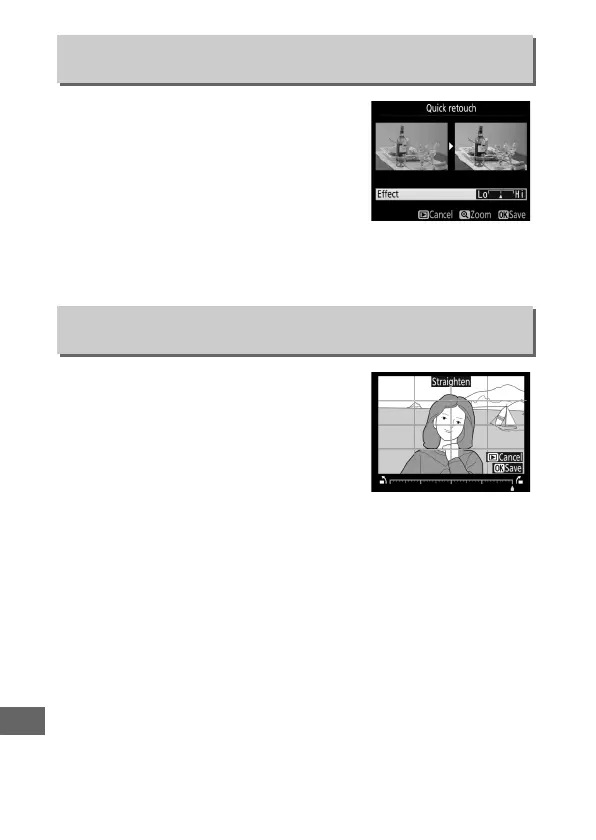
Create copies with enhanced saturation
and contrast.
D-Lighting is applied as
required to brighten dark or backlit
subjects.
Press 4 or 2 to choose the amount of
enhancement.
The effect can be
previewed in the edit display.
Press J to save the retouched
copy.
Create a straightened copy of the
selected image.
Press 2 to rotate the
image clockwise by up to five degrees in
increments of approximately 0.25
degrees, 4 to rotate it counterclockwise
(the effect can be previewed in the edit
display; note that edges of the image
will be trimmed to create a square copy).
Press J to save the
retouched copy.
Quick Retouch
G button ➜ N retouch menu
Straighten
G button ➜ N retouch menu



 To Next Page