292
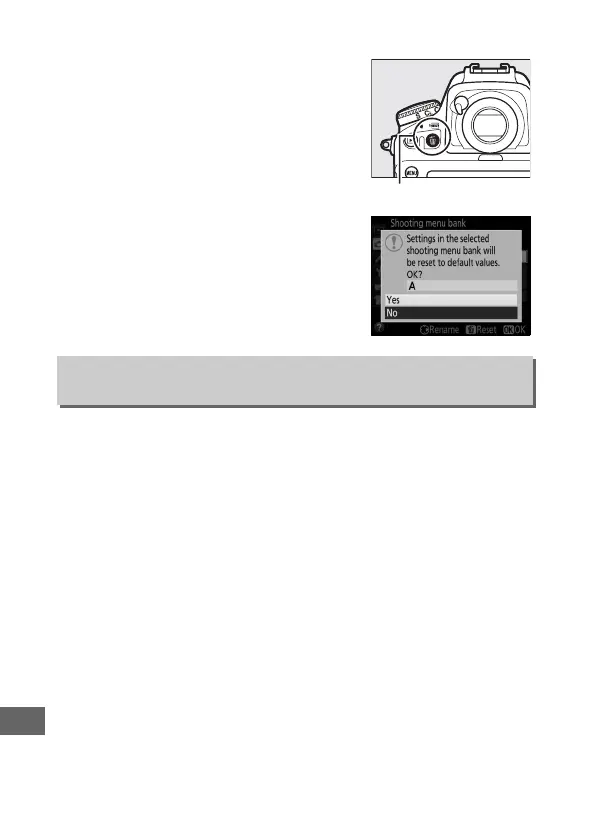
❚❚ Restoring Default Settings
To restore default settings, highlight a
bank in the Shooting menu bank menu
and press O (Q).
A confirmation dialog
will be displayed; highlight Ye s and
press J to restore default settings for
the selected bank.
See page 272 for a list
of default settings.
Select On to include exposure and flash modes, shutter speed
(modes f and h only), and aperture (modes g and h only) in the
information recorded in each of the four shooting menu banks,
to be recalled whenever the bank is selected.
Selecting Off
restores the values in effect before On was selected.
Extended Menu Banks
G button ➜ C shooting menu
O (Q) button



 To Next Page