394
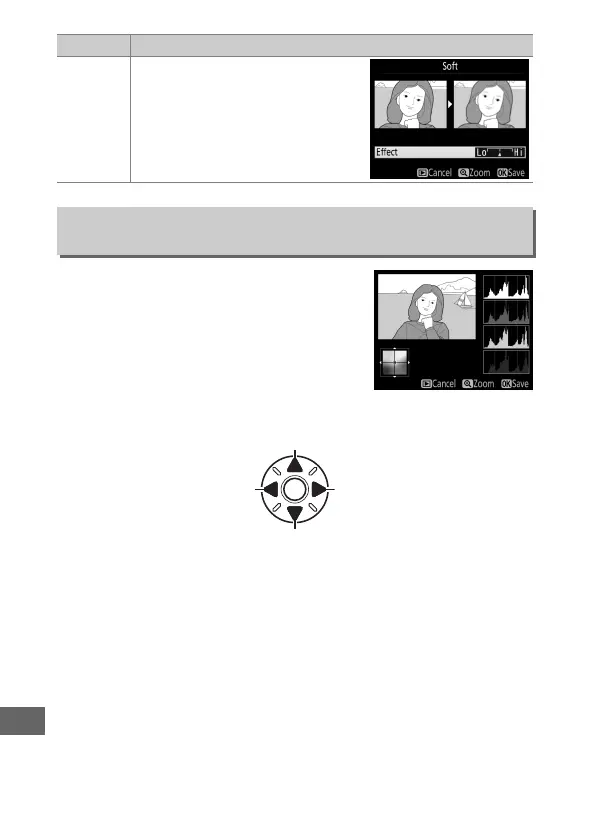
Use the multi selector to create a copy
with modified color balance as shown
below.
The effect is displayed in the
monitor together with red, green, and
blue histograms (0 241) giving the
distribution of tones in the copy.
Press J
to save the retouched copy.
Soft
Add a soft filter effect.
Press 4 or
2 to choose the filter strength.
Color Balance
G button ➜ N retouch menu
Increase amount of green
Increase amount of blue Increase amount of amber
Increase amount of magenta
Option Description



 To Next Page