407
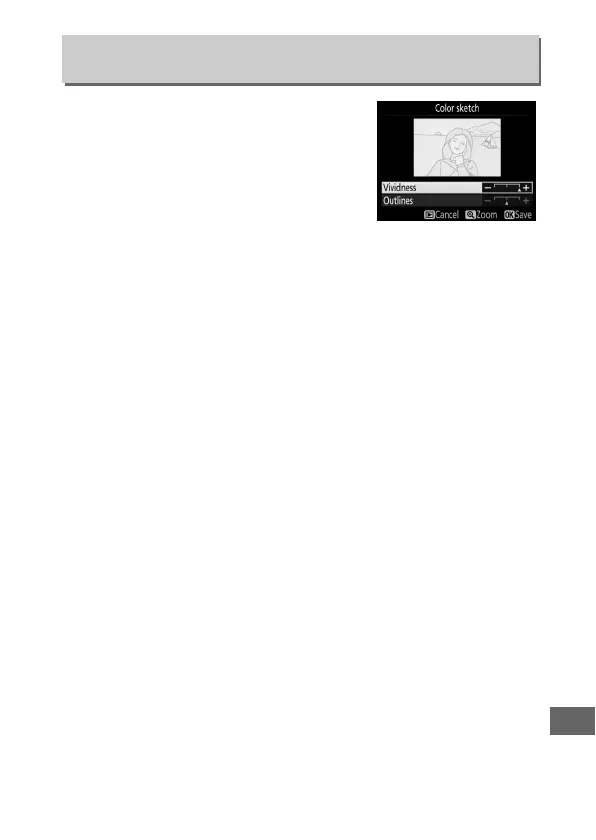
Create a copy of a photograph that
resembles a sketch made with colored
pencils.
Press 1 or 3 to highlight
Vividness or Outlines and press 4 or 2
to change.
Vividness can be increased
to make colors more saturated, or
decreased for a washed-out,
monochromatic effect, while outlines can be made thicker or
thinner.
Thicker outlines makes colors more saturated.
The
results can be previewed in the edit display.
Press J to save the
retouched copy.
Color Sketch
G button ➜ N retouch menu



 To Next Page