124
1 Ready the camera.
Mount the camera on a tripod or place it on a stable, level
surface.
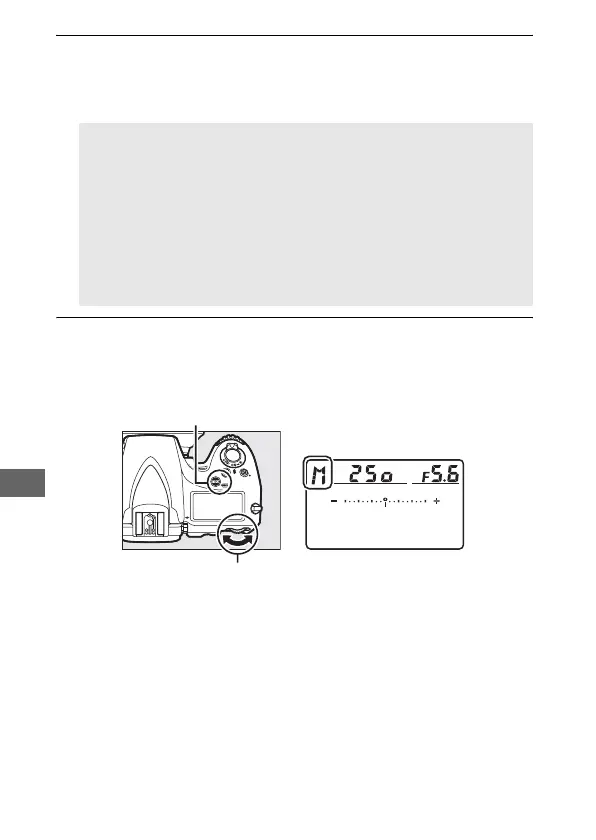
2 Select exposure mode h.
Press the I (Q) button and rotate the main command dial
until h is displayed in the control panel.
A Long Time-Exposures
Close the viewfinder eyepiece shutter to prevent light entering via
the viewfinder from appearing in the photograph or interfering
with exposure (0 106).
Nikon recommends using a fully charged
battery or an optional AC adapter and power connector to prevent
loss of power while the shutter is open.
Note that noise (bright
spots, randomly-spaced bright pixels or fog) may be present in
long exposures; before shooting, choose On for the Long
exposure NR option in the shooting menu (0 299).
I (Q) button
Main command dial Control panel



 To Next Page