205
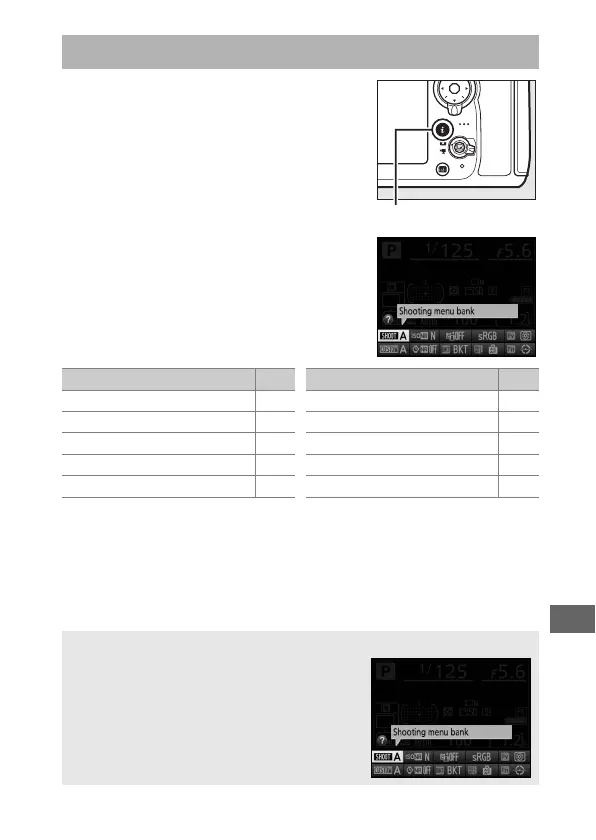
Press the b button for quick access to
the following settings during viewfinder
photography.
Highlight items using the
multi selector and press J to view
options for the highlighted item.
Press
the b button again to resume shooting.
The b button
b button
Option
0
Shooting menu bank 291
High ISO NR 299
Active D-Lighting 183
Color space 296
Assign preview button 349
Assign Fn button 343
Assign AE-L/AF-L button 349
Assign BKT button 350
Long exposure NR 299
Custom settings bank 304
Option
0
A Tool Tips
A tool tip giving the name of the selected
item appears in the information display.
Tool tips can be turned off using Custom
Setting d9 (Screen tips; 0 325).



 To Next Page