466
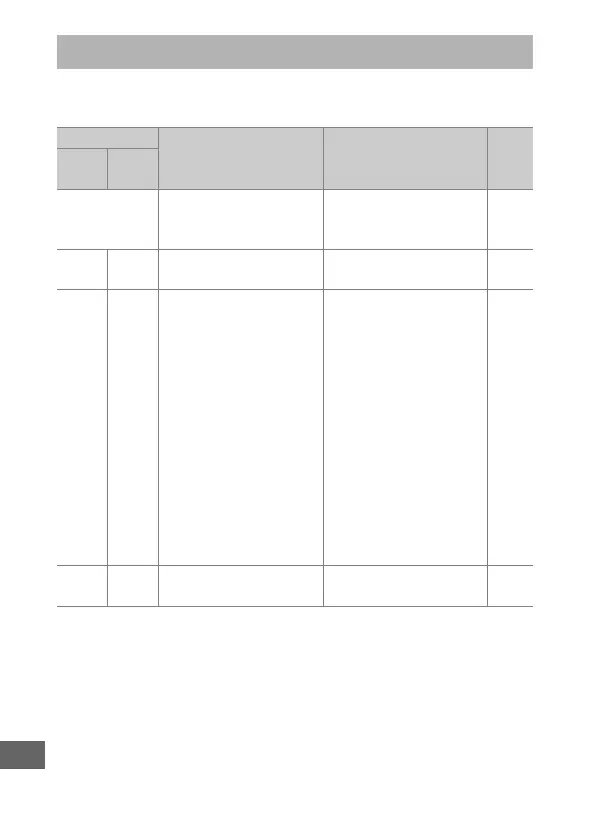
This section lists the indicators and error messages that appear
in the viewfinder, control panel, and monitor.
Error Messages
Indicator
Problem Solution 0
Control
panel
View-
finder
B
(flashes)
Lens aperture ring is
not set to minimum
aperture.
Set ring to minimum
aperture (highest
f-number).
23
H d Low battery.
Ready a fully-charged
spare battery.
13, 19
H
(flashes)
d
(flashes)
• Battery exhausted. • Recharge or replace
battery.
xxi, 13,
14, 436
• Battery can not be
used.
• Contact Nikon-
authorized service
representative.
• An extremely
exhausted
rechargeable Li-ion
battery or a third-
party battery is
inserted either in the
camera or in the
optional MB-D12
battery pack.
• Replace the battery, or
recharge the battery if
the rechargeable
Li-ion battery is
exhausted.
B
(flashes)
— Camera clock is not set. Set camera clock. 18



 To Next Page