18
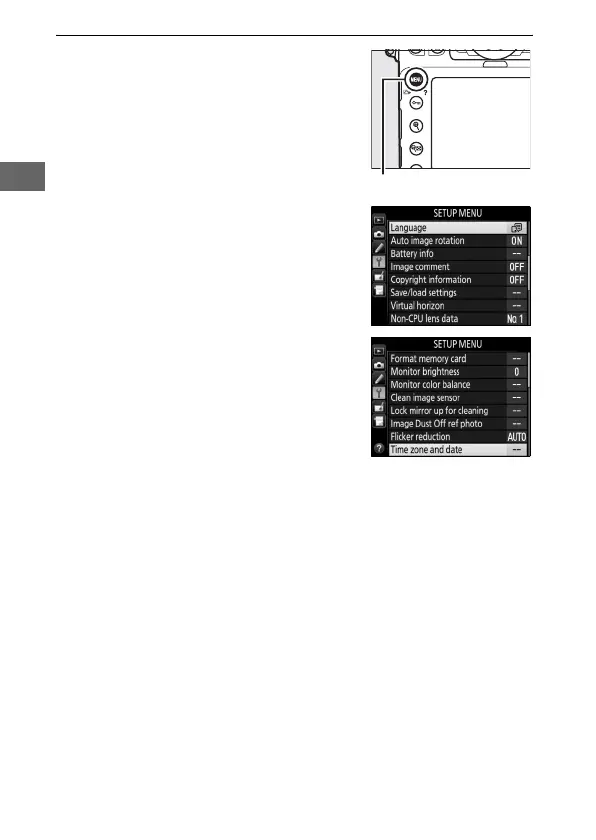
7 Choose a language and set the
camera clock.
Use the Language and Time zone
and date options in the setup menu
to choose a language and set the
camera clock (Language is
automatically shown highlighted the
first time the menus are displayed).
Time zone and date is used to
choose a time zone (Time zone),
choose a date format (Date format),
turn daylight saving time on and off
(Daylight saving time), and set the
camera clock to the current date and
time (Date and time; note that the
camera uses a 24-hour clock).
For
information on using the menus, see
“Using Camera Menus” (0 25).
The camera is now ready for use.
Proceed to page 29 for
information on taking photographs.
G button



 To Next Page