72
Saving Selected Frames
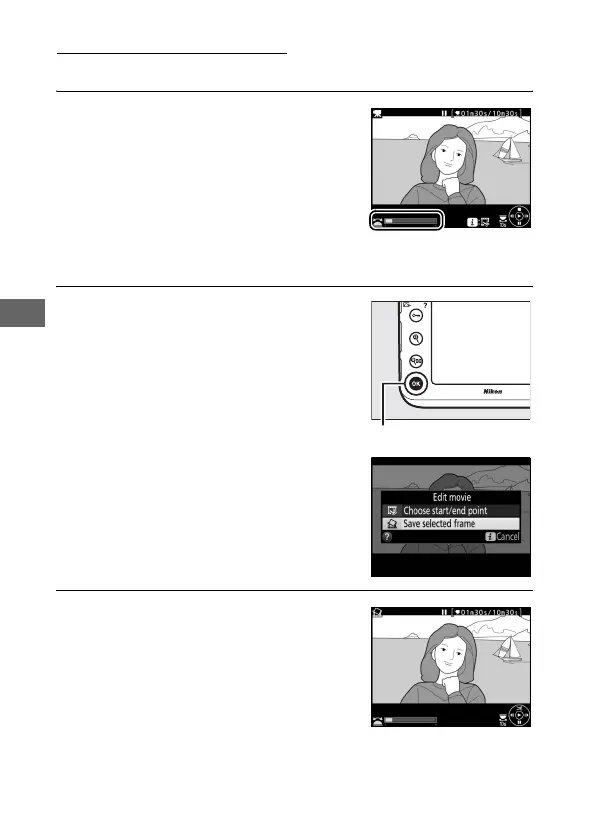
To save a copy of a selected frame as a JPEG still:
1 Pause the movie on the desired
frame.
Play the movie back as described on
page 65, pressing the center of the
multi selector to start and resume
playback and 3 to pause.
Pause the
movie at the frame you intend to
copy.
2 Choose Save selected frame.
Press the b button, then highlight
Save selected frame and press 2.
3 Create a still copy.
Press 1 to create a still copy of the
current frame.
b button



 To Next Page