133
Bracketing automatically varies exposure, flash level, Active
D-Lighting (ADL), or white balance slightly with each shot,
“bracketing” the current value.
Choose in situations in which it is
difficult to set exposure, flash level (i-TTL and, where supported,
auto aperture flash control modes only; see pages 194, 331, and
430), white balance, or Active D-Lighting and there is not time to
check results and adjust settings with each shot, or to
experiment with different settings for the same subject.
❚❚ Exposure and Flash Bracketing
Vary exposure and/or flash level over a series of photographs.
1 Select flash or exposure bracketing.
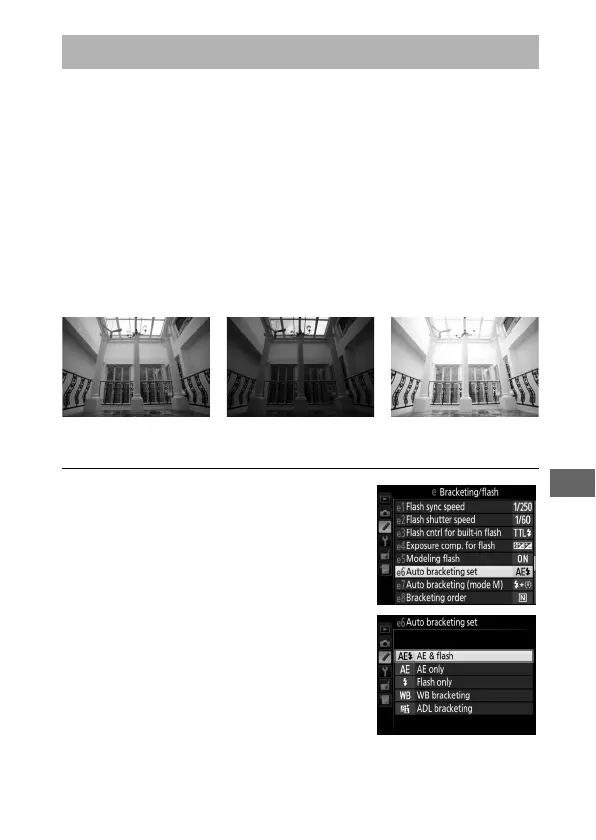
Select Custom Setting e6 (Auto
bracketing set) in the Custom
Settings menu, highlight an option,
and press J.
Choose AE & flash to
vary both exposure and flash level,
AE only to vary only exposure, or
Flash only to vary only flash level.
Bracketing
Exposure modified by:
0 EV
Exposure modified by:
–1 EV
Exposure modified by:
+1 EV



 To Next Page