341
Choose what happens when the power switch is rotated to D.
This option determines the role assigned to the center of the
multi selector during viewfinder photography, playback, and
live view (regardless of the option selected, pressing the center
of the multi selector when a movie is displayed full frame starts
movie playback).
f: Controls
f1: D Switch
G button ➜ A Custom Settings menu
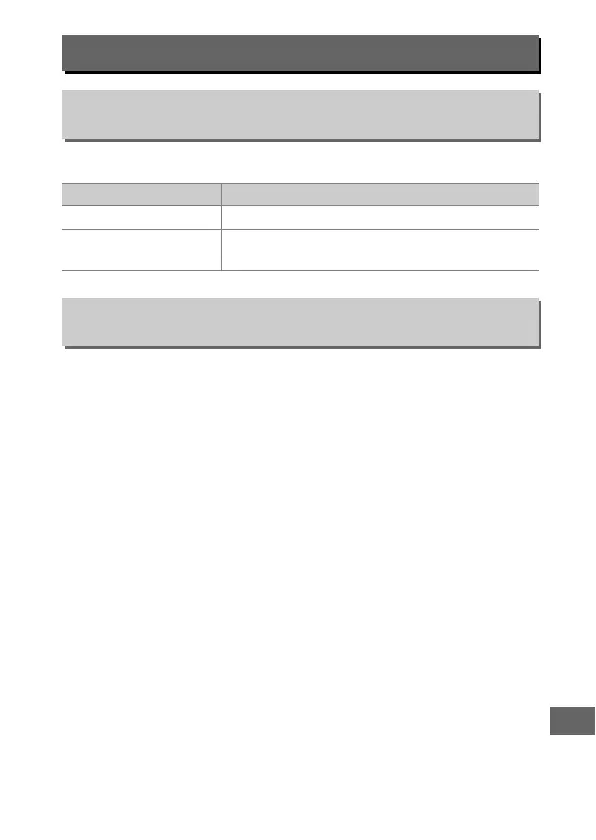
Option Description
D
LCD backlight (D) Control panel backlight illuminates for 6 s.
h
D and information
display
Control panel backlight illuminates and
shooting information is displayed in monitor.
f2: Multi Selector Center Button
G button ➜ A Custom Settings menu



 To Next Page