321
Choose the pitch and volume of the beep that sounds when the
camera focuses using single-servo AF (AF-S; 0 87), when focus
locks during live view photography, while the release timer is
counting down in self-timer mode (0 106) when the shutter-
release button is pressed a second time to take a picture in
mirror-up mode (0 108), when time-lapse photography ends
(0 223), or if you attempt to take a photograph when the
memory card is locked (0 22).
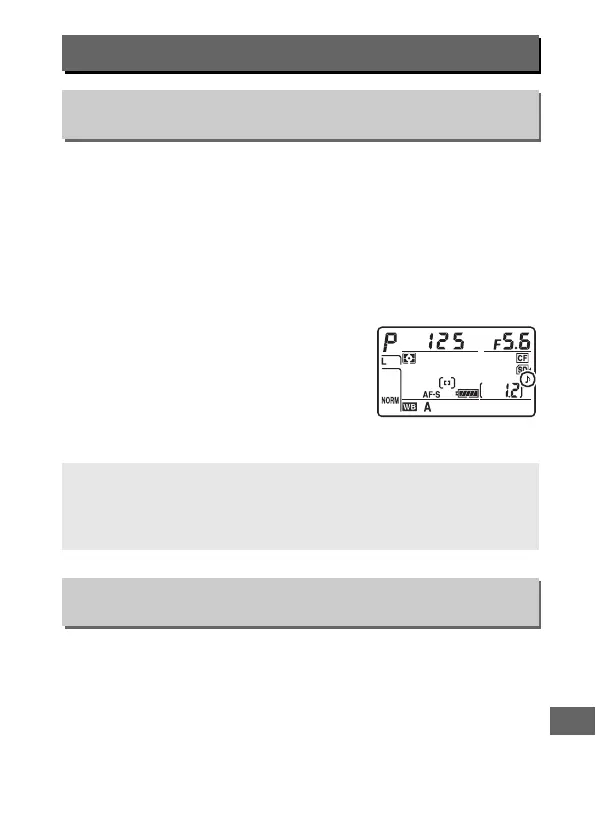
• Volume: Choose 3 (high), 2 (medium),
1 (low) or Off (mute).
When an option
other than Off is selected, c appears in
the control panel and information
display.
• Pitch: Choose High or Low.
Choose the maximum frame advance rate in T (continuous low
speed) mode (0 104).
d: Shooting/Display
d1: Beep
G button ➜ A Custom Settings menu
A Beep
Note that regardless of the option selected, a beep will not sound
when the camera focuses in movie live view (0 49) or quiet-shutter
release mode (modes J and M; 0 102).
d2: CL Mode Shooting Speed
G button ➜ A Custom Settings menu



 To Next Page