190
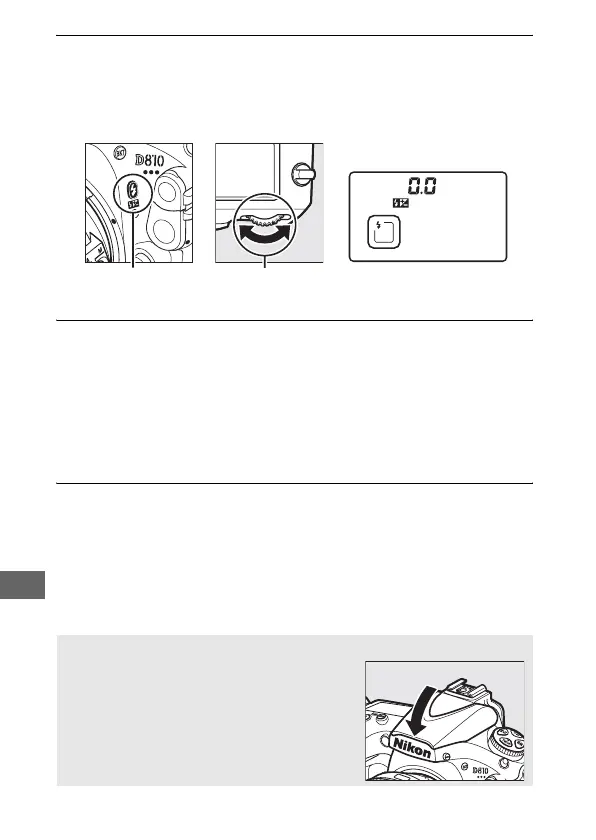
3 Choose a flash mode.
Press the M (Y) button and rotate the main command dial
until the desired flash mode icon is displayed in the control
panel (0 191).
4 Check exposure (shutter speed and aperture).
Press the shutter-release button halfway and check shutter
speed and aperture.
The settings available when the built-in
flash is raised are listed on page 193.
The effects of the flash can be previewed by pressing the Pv
button to emit a modeling flash (0 338).
5 Take the picture.
Compose the photograph, focus, and shoot.
M (Y) button Main command
dial
Control panel
A Lowering the Built-in Flash
To save power when the flash is not in use,
press it gently downward until the latch
clicks into place.



 To Next Page