88
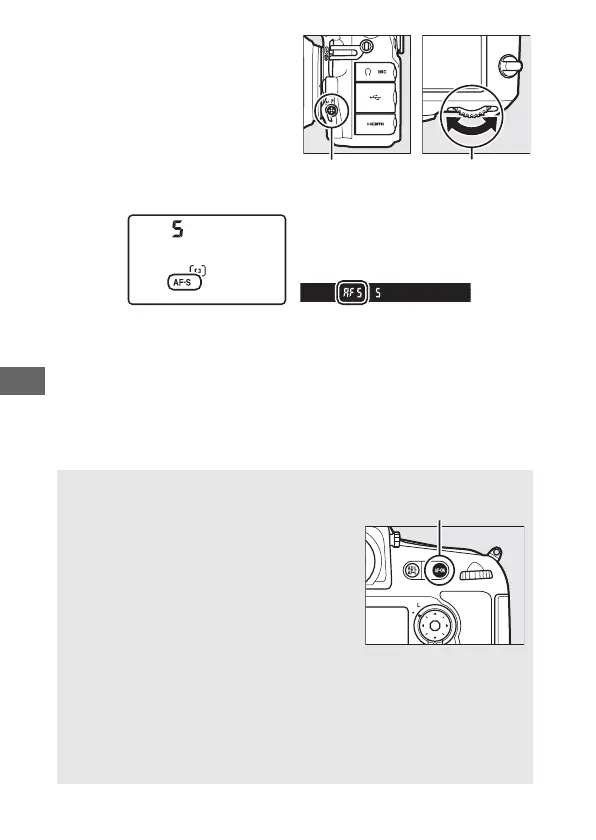
Autofocus mode can be
selected by pressing the
AF-mode button and rotating
the main command dial until
the desired setting is displayed
in the viewfinder and control
panel.
Control panel Viewfinder
A The B Button
For the purpose of focusing the camera,
pressing the B button has the same
effect as pressing the shutter-release
button halfway.
A Predictive Focus Tracking
In AF-C mode, the camera will initiate predictive focus tracking if the
subject moves toward or away from the camera while the shutter-
release button is pressed halfway or the B button is pressed.
This
allows the camera to track focus while attempting to predict where the
subject will be when the shutter is released.
AF-mode button Main command
dial
B button



 To Next Page