146
4 Frame a photograph, focus, and shoot.
The camera will vary Active D-Lighting shot-by-
shot according to the bracketing program
selected.
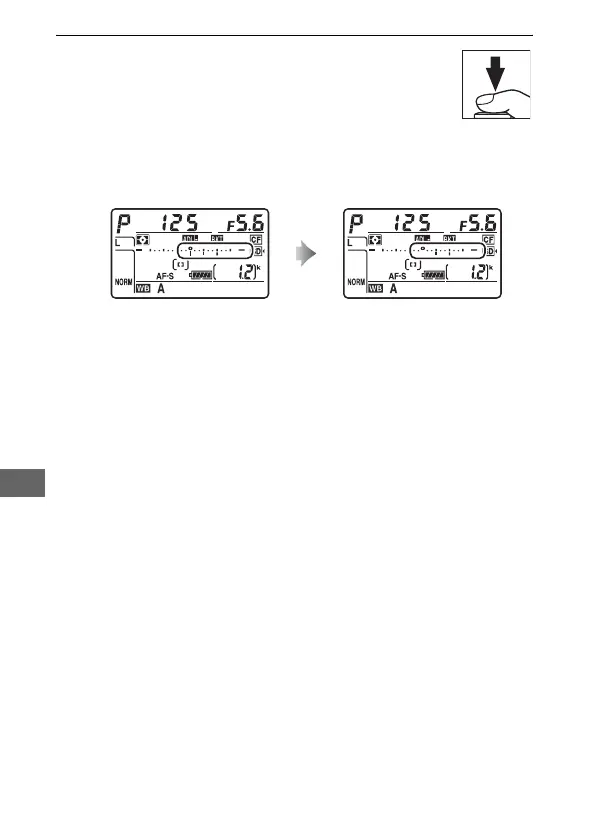
While bracketing is in effect, a
bracketing progress indicator will be displayed in the control
panel.
A segment will disappear from the indicator after each
shot.
❚❚ Canceling Bracketing
To cancel bracketing, press the D button and rotate the main
command dial until the number of shots in the bracketing
sequence is zero (r) and d is no longer displayed.
The
program last in effect will be restored the next time bracketing is
activated.
Bracketing can also be cancelled by performing a
two-button reset (0 206), although in this case the bracketing
program will not be restored the next time bracketing is
activated.
No. shots: 3 Display after first shot



 To Next Page