153
❚❚ The U Button
At settings other than K (Choose color temp.) and L (Preset
manual), the U button can be used to fine-tune white balance
on the amber (A)–blue (B) axis (0 151; to fine-tune white
balance when L is selected, use the shooting menu as
described on page 151).
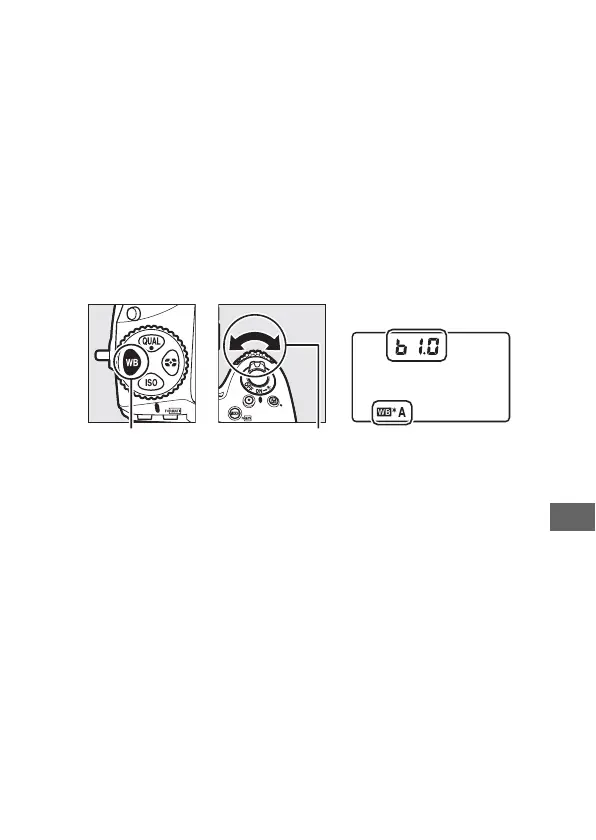
Press the U button and rotate the
sub-command dial to fine-tune white balance in steps of 0.5
(with each full increment equivalent to about 5 mired), stopping
when the desired value is displayed in the control panel.
Rotate
the dial left to increase the amount of amber (A), right to
increase the amount of blue (B).
At settings other than 0, an
asterisk (“U”) appears in the control panel.
U button Sub-command
dial
Control panel



 To Next Page