176
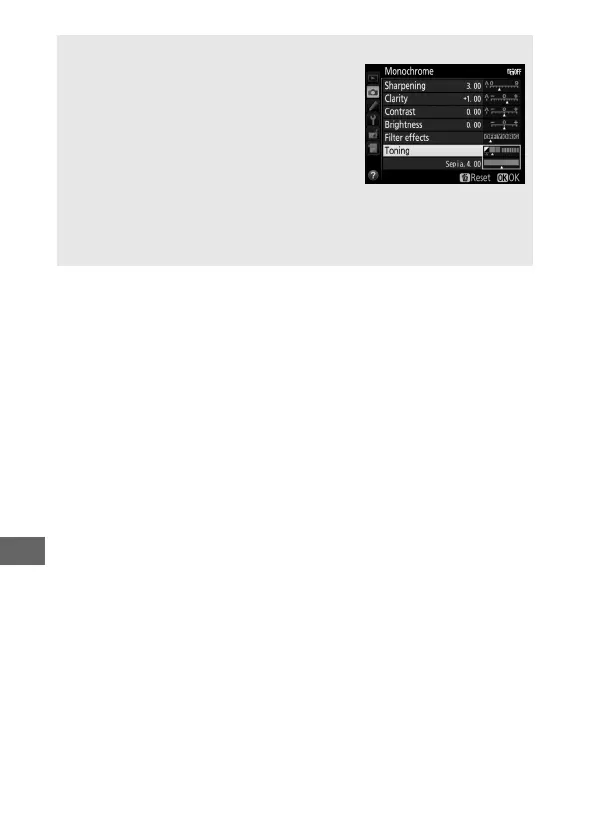
A Toning (Monochrome Only)
Pressing 3 when Toning is selected
displays saturation options.
Press 4 or 2
to adjust saturation in increments of 1, or
rotate the sub-command dial to choose a
value in increments of 0.25.
Saturation
control is not available when B&W (black-
and-white) is selected.
A Custom Picture Controls
The options available with custom Picture Controls are the same as
those on which the custom Picture Control was based.



 To Next Page