217
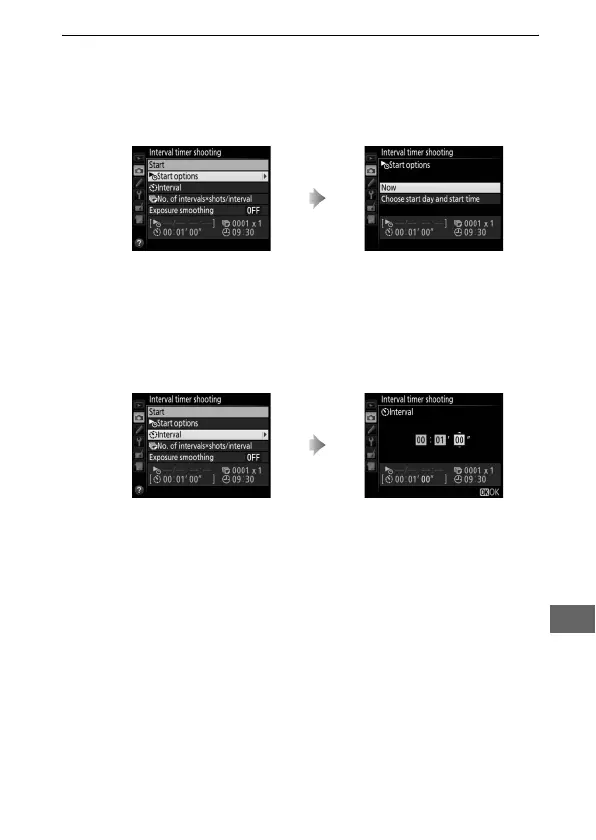
2 Adjust interval timer settings.
Choose a start option, interval, number of shots per interval,
and exposure smoothing option.
• To choose a start option:
To start shooting immediately, select Now. To start shooting at a
chosen date and time, select Choose start day and start time,
then choose the date and time and press J.
• To choose the interval between shots:
Highlight Start options and
press 2.
Highlight an option and press J.
Highlight Interval and press 2. Choose an interval (hours,
minutes, and seconds) and
press J.



 To Next Page