259
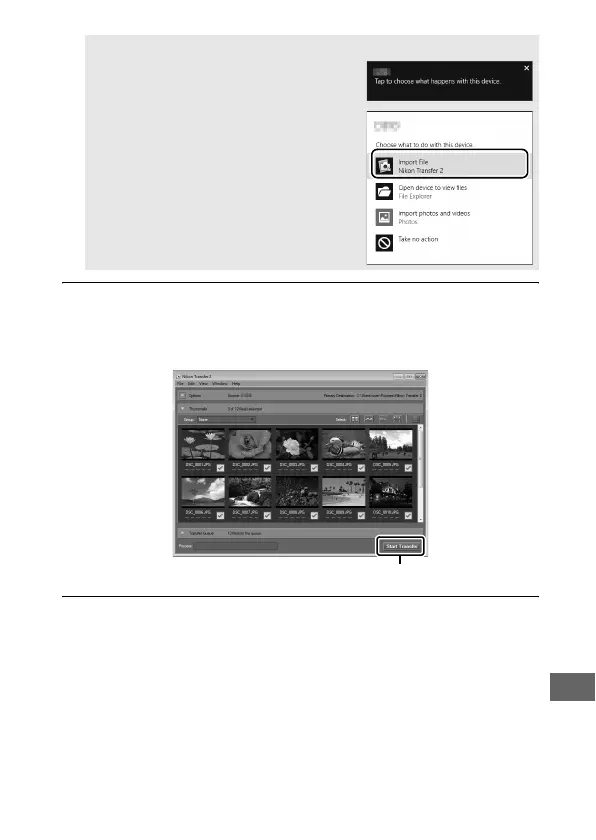
3 Click Start Transfer.
At default settings, pictures on the memory card will be
copied to the computer.
4 Terminate the connection.
When transfer is complete, turn the camera off and
disconnect the USB cable.
A Windows 8.1
Windows 8.1 may display an AutoPlay
prompt when the camera is connected.
Tap or click the dialog and then tap or
click Import File/Nikon Transfer 2 to
select Nikon Transfer 2.
Start Transfer



 To Next Page