386
3 Select retouch options.
For more information, see the section for the selected item.
To exit without creating a retouched copy, press G.
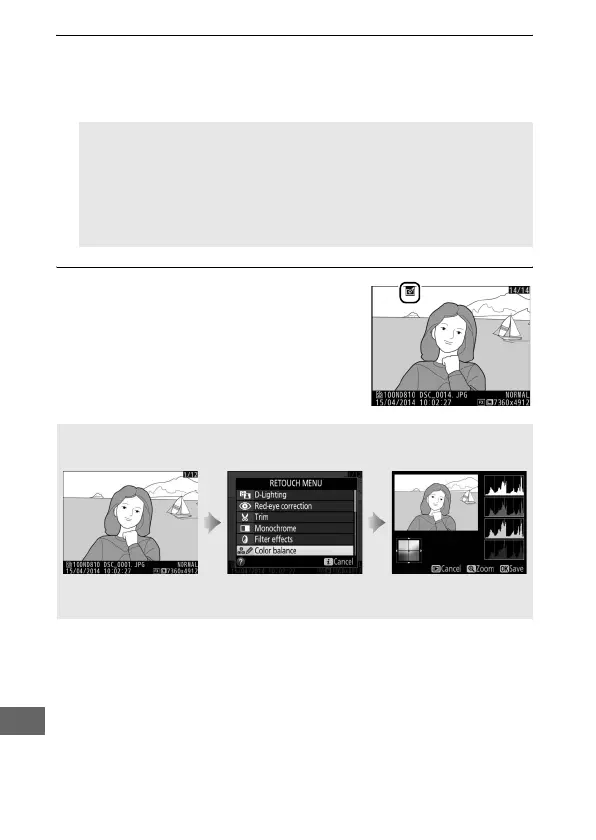
4 Create a retouched copy.
Press J to create a retouched copy.
Retouched copies are indicated by a
N icon.
A Monitor off Delay
The monitor will turn off and the operation will be cancelled if no
actions are performed for a brief period.
Any unsaved changes will
be lost.
To increase the time the monitor remains on, choose a
longer menu display time for Custom Setting c4 (Monitor off
delay, 0 320).
A Creating Retouched Copies During Playback
Retouched copies can also be created during playback.
Display picture full
frame and press b.
Highlight an option
and press J.
Create retouched
copy.



 To Next Page