396
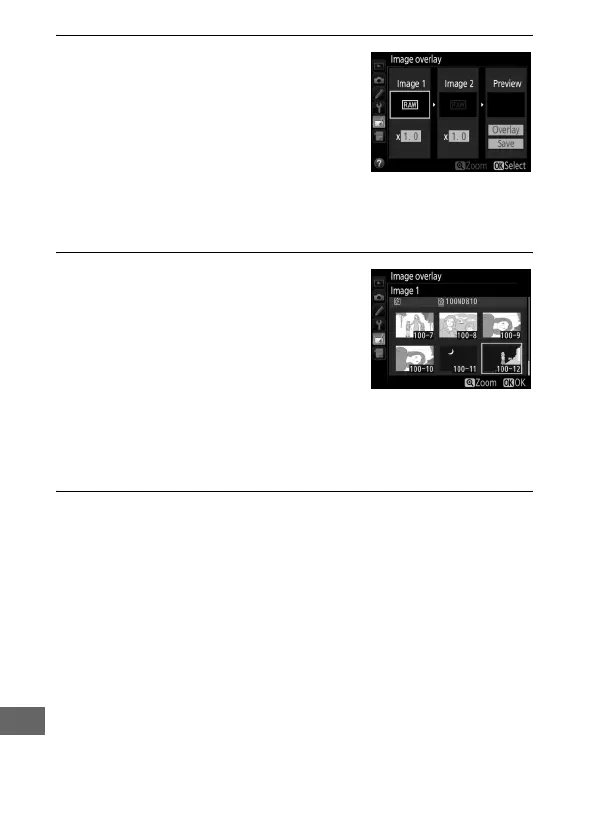
1 Select Image overlay.
Highlight Image overlay in the
retouch menu and press 2.
The
dialog shown at right will be
displayed, with Image 1 highlighted;
press J to display a picture selection
dialog listing only large NEF (RAW)
images created with this camera (small NEF/RAW images can
not be selected).
2 Select the first image.
Use the multi selector to highlight
the first photograph in the overlay.
To view the highlighted photograph
full frame, press and hold the X
button.
To view images in other
locations, press W and select the
desired card and folder as described on page 237.
Press J to
select the highlighted photograph and return to the preview
display.
3 Select the second image.
The selected image will appear as Image 1.
Highlight
Image 2 and press J, then select the second photo as
described in Step 2.



 To Next Page