44
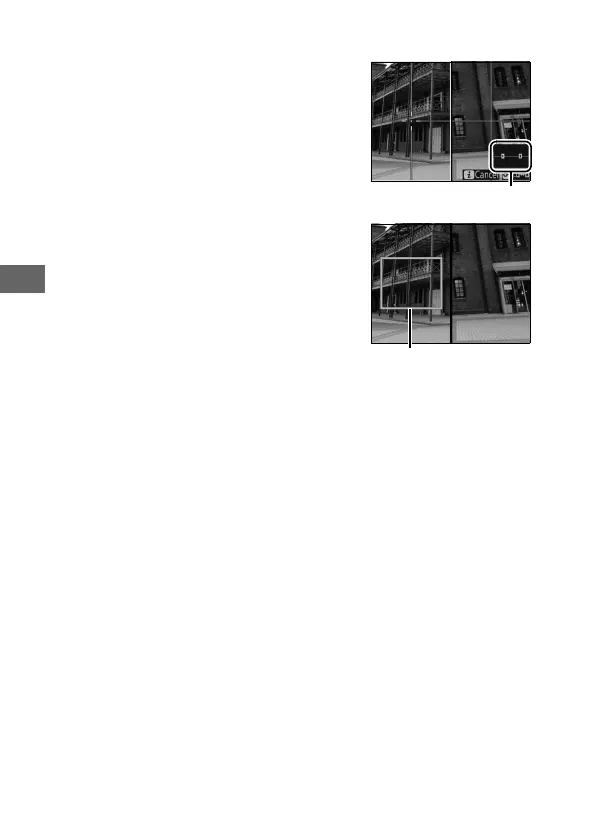
❚❚ Split-Screen Display Zoom
Selecting Split-screen display zoom in
the live view photography b button
menu splits the display into two boxes
showing separate areas of the frame
side-by-side at a high zoom ratio.
The
positions of the magnified areas are
shown in the navigation window.
Use the X and W buttons to zoom in
and out, or use the L (Z/Q) button to
select a box and press 4 or 2 to scroll
the selected area left or right.
Pressing
1 or 3 scrolls both areas up or down
simultaneously.
To focus on the subject
at the center of the selected area, press
the shutter-release button halfway.
To
exit the split-screen display, press the b button.
Navigation window
Area in focus



 To Next Page