50
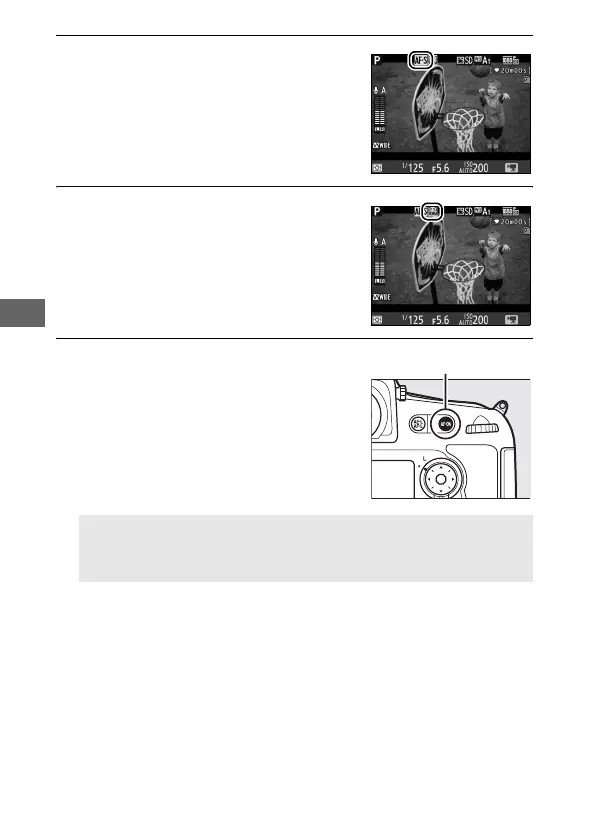
3 Choose a focus mode (0 39).
4 Choose an AF-area mode (0 40).
5 Focus.
Frame the opening shot and press
the B button to focus.
Note that
the number of subjects that can be
detected in face-priority AF drops
during movie recording.
A Focusing in Movie Live View
Focus can also be adjusted by pressing the shutter-release button
halfway before beginning recording.
B button



 To Next Page