66
Skip 10 s
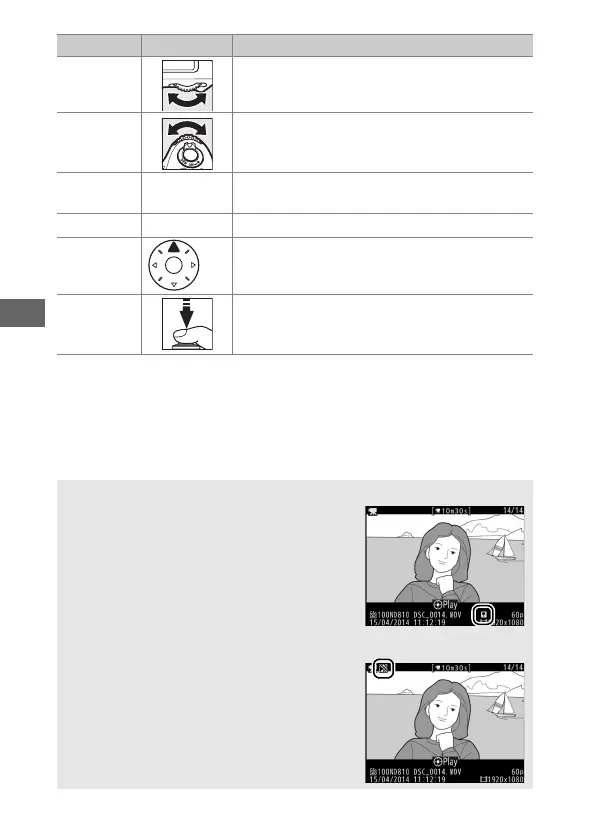
Rotate the main command dial one stop to
skip ahead or back 10 s.
Skip
ahead/
back
Rotate the sub-command dial to skip to next
or previous index, or to skip to the last or
first frame if the movie contains no indices.
Adjust
volume
X
/W Press
X
to increase volume, W to decrease.
Trim movie
b
See page 67 for more information.
Exit /
K Exit to full-frame playback.
Return to
shooting
mode
Press the shutter-release button halfway to
exit to shooting mode.
A The p Icon
Movies with indices (0 54) are indicated
by a p icon in full-frame playback.
A The 2 Icon
2 is displayed in full-frame and movie
playback if the movie was recorded without
sound.
To Use Description



 To Next Page