112 Chapter 3 Configuring Remote Network Monitoring (RMON)
Field Description
Index Uniquely identifies an entry in the alarm table. Each such entry
defines a diagnostic sample at a particular interval for an object
on the device.
Threshold
Type
Rising Value Falling Value
Value When the current sampled
value is greater than or equal
to this threshold, and the value
at the last sampling interval
was less than this threshold,
generates a single event.
When the current sampled
value is less than or equal to
this threshold, and the value at
the last sampling interval was
greater than this threshold,
generates a single event.
Event Index Index of the event entry that is
used when a rising threshold
is crossed. The event entry
identified by a particular value
of this index is the same as
identified by the same value
of the event index object.
(Generally, accept the default
that is already filled in.)
Index of the event entry that is
used when a falling threshold
is crossed. The event entry
identified by a particular value
of this index is the same as
identified by the same value
of the event index object.
(Generally, accept the default
that is already filled in.)
Deleting an alarm
To delete an alarm:
Step Action
1
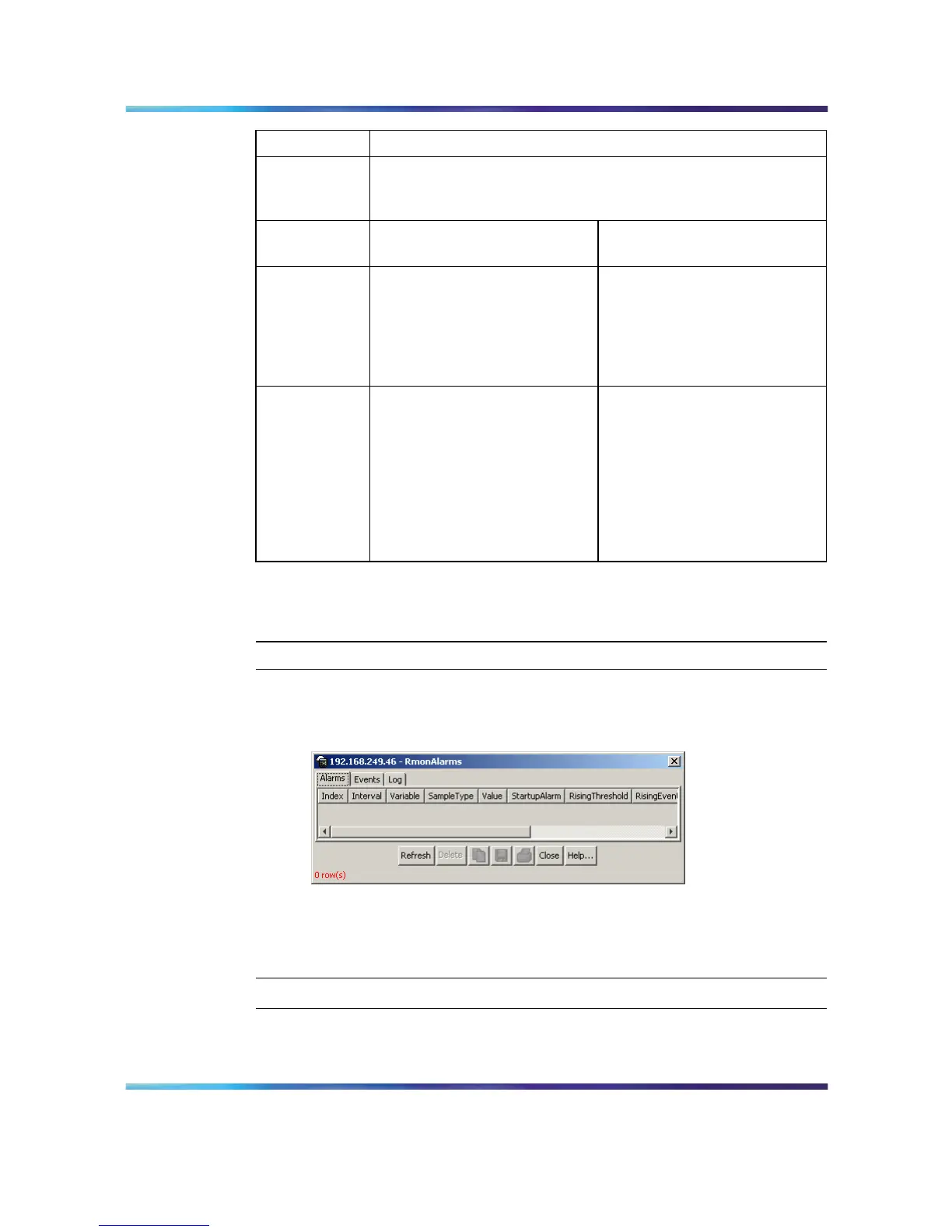
Open the Alarms screen by selecting Serviceability > RMON >
Alarms from the menu. This screen is illustrated below.
RmonAlarms screen - Alarms tab
2
Select the alarm to be deleted.
3
Click Delete.
—End—
The following table describes the fields on the Alarms tab.
Nortel Ethernet Routing Switch 5500 Series
Configuration - System Monitor ing
NN47200-505 03.01 Standard
5.1 27 August 2007
Copyright © 2005 - 2007, Nortel Networks
.














 To Next Page