Diagnostic information in the Web-based Management Interface 79
Field Description
Multiple Collisions The number of packets that were transmitted
successfully on this port after more than one
collision.
Excessive Collisions The number of packets lost on this port due to
excessive collisions.
Late Collisions The number of packets collisions that occurred
after a total length of time that exceeded 512
bit-times of packet transmission.
Deferred Packets The number of packets that were received
on this port that were delayed on the first
transmission attempt, but never incurred a
collision.
Packets
64 bytes
65-127 bytes
128-255 bytes
256-511 bytes
512-1023 bytes
1024-1518 bytes
1522-9216 bytes
The number of packets received/transmitted on
the port.
Three further options are available on this screen:
1. Click Update to refresh the statistical information.
2. Click Zero Por t to reset the counters for the selected port.
3. Click Zero All Ports to reset the counters for all ports.
Viewing all port errors
To view a summary of the port errors, follow this procedure:
Step Action
1
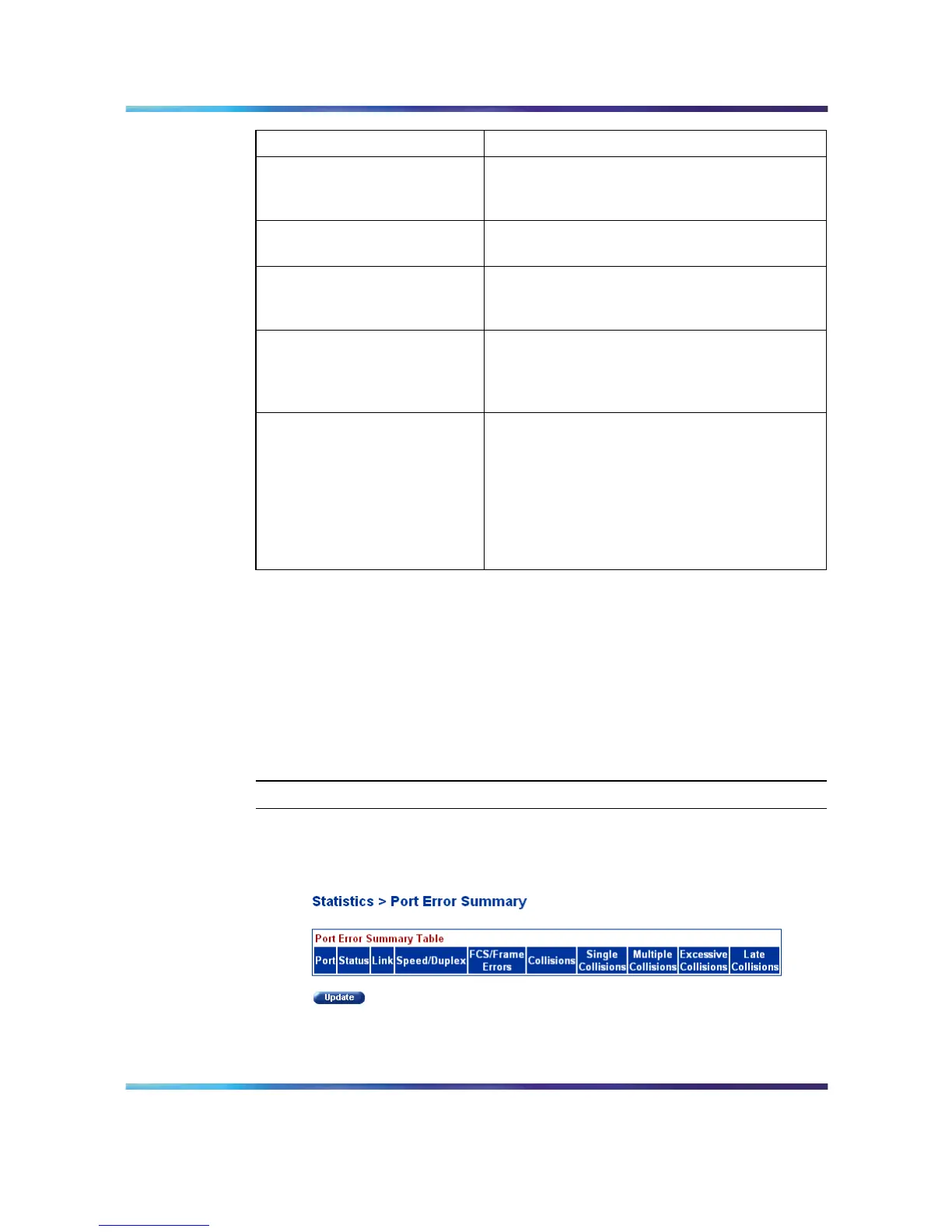
Open the Port Error Summary screen by selecting Statistics > Port
Error Summary from the menu. This screen is illustrated below.
Port Error Summary screen
The following table describes the fields on this screen.
Nortel Ethernet Routing Switch 5500 Series
Configuration - System Monitor ing
NN47200-505 03.01 Standard
5.1 27 August 2007
Copyright © 2005 - 2007, Nortel Networks
.















 To Next Page