Diagnostic information in the Web-based Management Interface 87
Field Description
Out Frames
(dot1dTpPortOutFrames)
The number of frames that have been
transmitted by this port from its segment.
A frame received on the interface
corresponding to this port is counted only
if it is for a protocol being processed by
the local bridging function, including bridge
management errors.
In Discards
(dot1dTpPortInDiscards)
The number of valid frames received which
were discarded by the forwarding process.
—End—
Click Update to refresh the statistical information.
Monitoring MLT traffic
Bandwidth usage can be monitored for the Multilink Trunk (MLT) member
ports within each trunk in a configuration by selecting the traffic type to
monitor.
To monitor MultiLink Tr unk traffic, follow this procedure:
Step Action
1
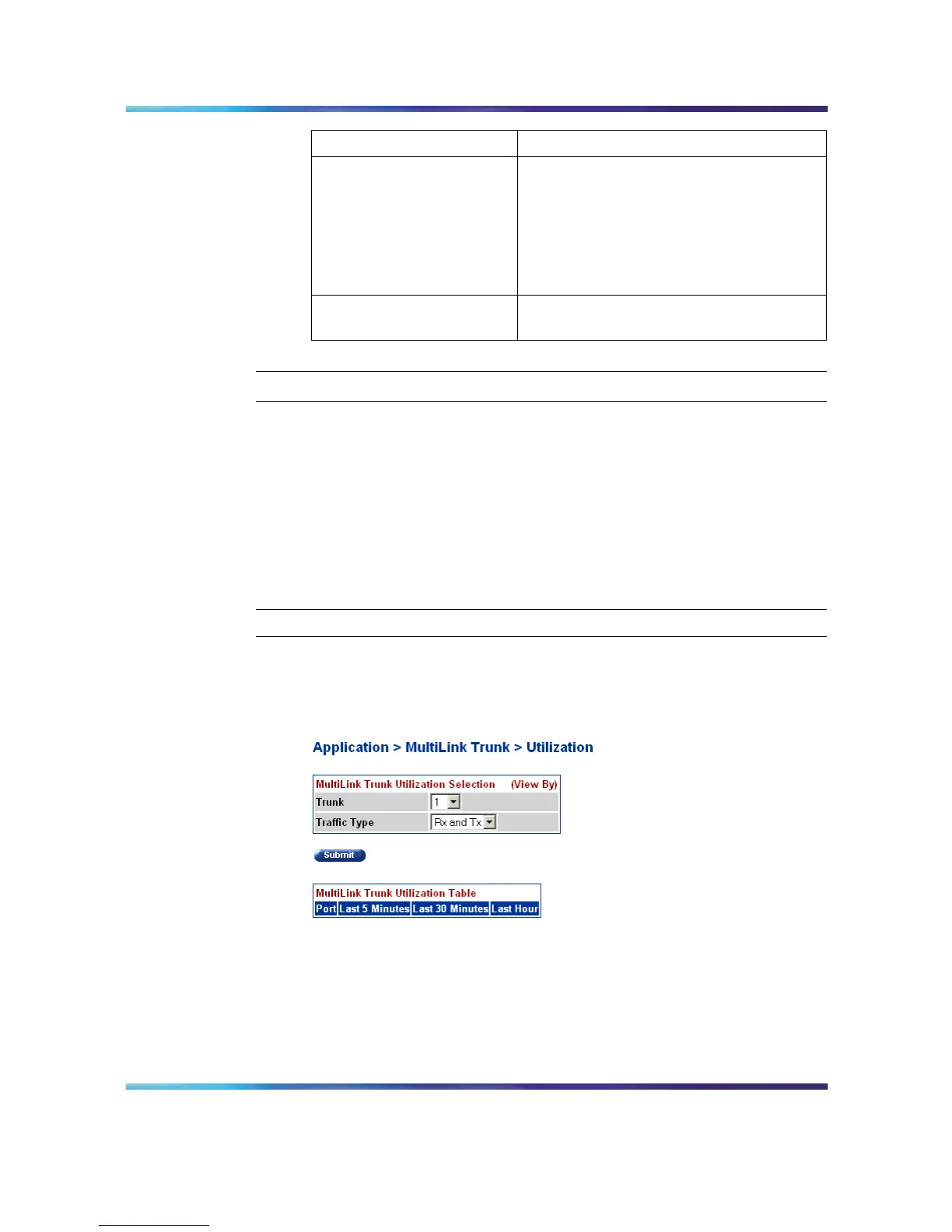
Open the MLT Utilization screen by selecting Application >
MultiLink Trunk > Utilization from the menu. This screen is
illustrated below.
MLT Utilization screen
2
In the MultiLink Trunk Utilization Selection (View By) section,
select a trunk to monitor in the Trunk list and a type of traffic in the
Traffic Type list.
3 Click Submit.
Nortel Ethernet Routing Switch 5500 Series
Configuration - System Monitor ing
NN47200-505 03.01 Standard
5.1 27 August 2007
Copyright © 2005 - 2007, Nortel Networks
.















 To Next Page