Configuring RMON with the Java Device Manager 115
How events work
An event specifies whether a trap, a log, or a trap and a log are generated
to view alarm activity. When RMON is globally enabled, two default events
are generated:
•
RisingEvent
•
FallingEvent
The default events specify that when an alarm goes out of range, the
"firing" of the alarm will be tracked in both a trap and a log. For example,
when an alarm fires at the rising threshold, the rising event specifies that
this information be sent to both a trap and a log. Likewise, when an alarm
passes the falling threshold, the falling event specifies that this information
be sent to a trap and a log.
See also
•
"Alarms" (page 107)
•
"How RMON alarms work" (page 107)
•
"Creating alarms" (page 109)
•
"Viewing an event" (page 115)
•
"Log information" (page 118)
Viewing an event
To view a table of events:
Step Action
1
Open the Alarms screen by selecting Serviceability > RMON >
Alarms from the menu.
2
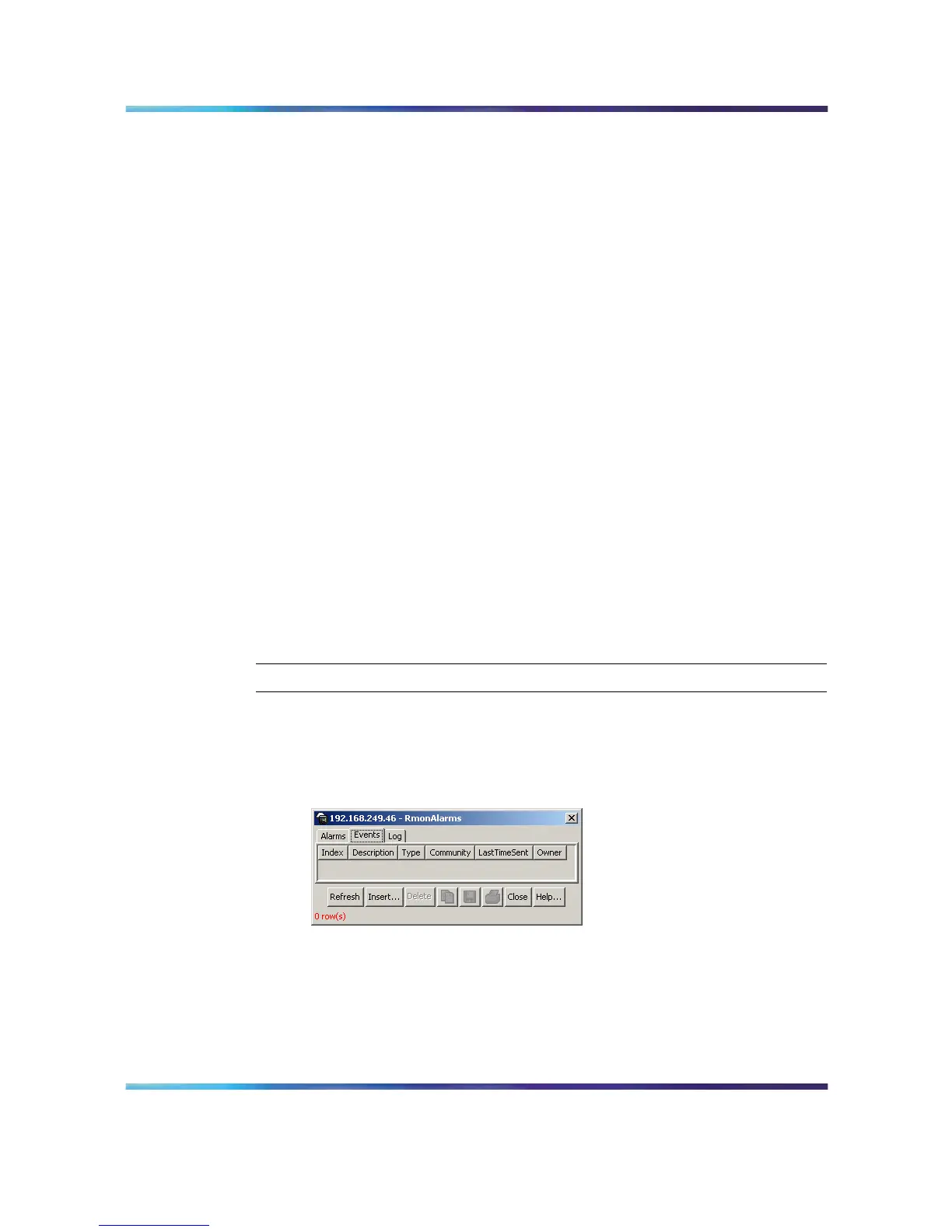
Select the Events tab. This tab is illustrated below.
RmonAlarms screen - Events tab
The following table describes the Events tab fields.
Nortel Ethernet Routing Switch 5500 Series
Configuration - System Monitor ing
NN47200-505 03.01 Standard
5.1 27 August 2007
Copyright © 2005 - 2007, Nortel Networks
.














 To Next Page