48 Chapter 1 General System Monitoring Considerations
Step Action
1
Open the Graph Port screen by selecting one or multiple ports on
the Device View and then selecting Graph > Por t from the menu.
The Graph Port screen opens.
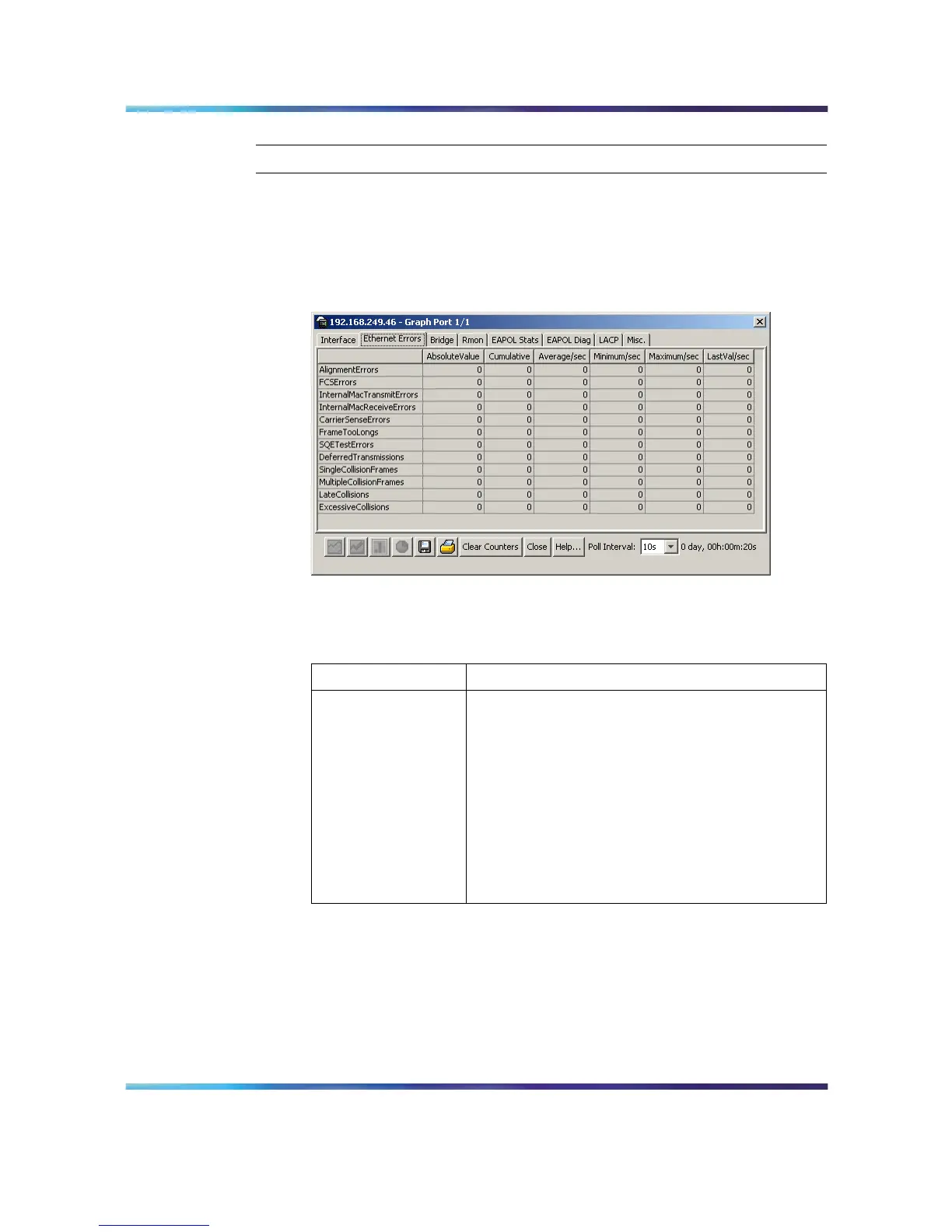
2 Select the Ethernet Errors tab. This tab is illustrated below.
Graph Port screen - Ethernet Errors tab
3
The following table describes the fields on this tab.
Ethernet Errors tab fields
Field Description
AlignmentErrors A count of frames received on a particular
interface that are not an integral number of octets
in length and do not pass the FCS check. The
count represented by an instance of this object
is incremented when the alignmentError status is
returned by the MAC service to the LLC (or other
MAC user). Received frames for which multiple
error conditions occur are, according to the
conventions of IEEE 802.3 Layer Management,
counted exclusively according to the error status
presented to the LLC.
Nortel Ethernet Routing Switch 5500 Series
Configuration - System Monitor ing
NN47200-505 03.01 Standard
5.1 27 August 2007
Copyright © 2005 - 2007, Nortel Networks
.















 To Next Page