60
Reference section 3 — Navigating to Waypoints
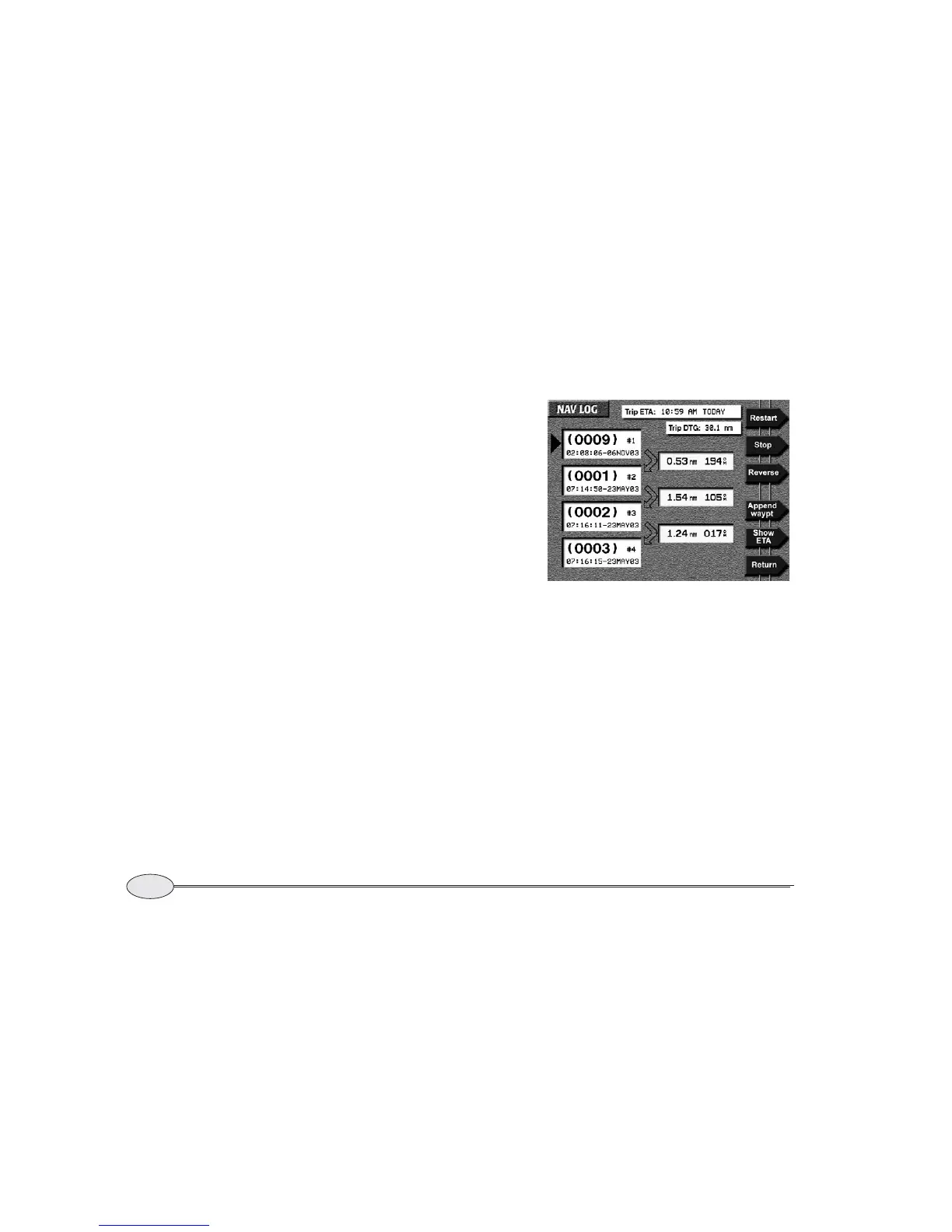
The NAV LOG screen
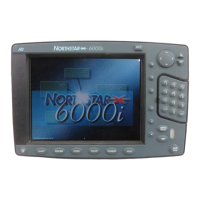
Northstar 6000i
• allowing you to easily change the rest
of your trip (add waypoints to a route,
or reverse the entire trip)
• allowing you to sequence to the next
leg, if you’ve chosen manual waypoint
sequencing
The nav log contains the series of
waypoints that you follow along your route
and displays them in sequential order.
When you navigate to these waypoints, or
along an already stored route, the series of
waypoints is copied into the nav log, which
acts as a kind of “scratch pad” to monitor
your progress. You can change the nav
log’s route in any way you want without
affecting the original route, which remains
safely stored in the 6000i.
To see the waypoints you’re currently navi-
gating along, press the Navlog key on the
STEER screen.
The NAV LOG screen shows the list of
waypoints, the length and bearing of each
leg, and the direction of your next trip leg.
Press the cursor pad to scan the waypoints
in the list.
To display either a waypoint’s description
or its estimated time of arrival (ETA), press
the Show waypt desc or Show waypt
ETA
menu key. For waypoints you haven’t
passed yet, the times of arrival shown are
estimates based on your current speed. For
waypoints you’ve already passed, actual
times of arrival are shown. The 6000i
updates this information as you travel.


 To Next Page