APPENDIX A
PLC CONTROLLER
A - 6
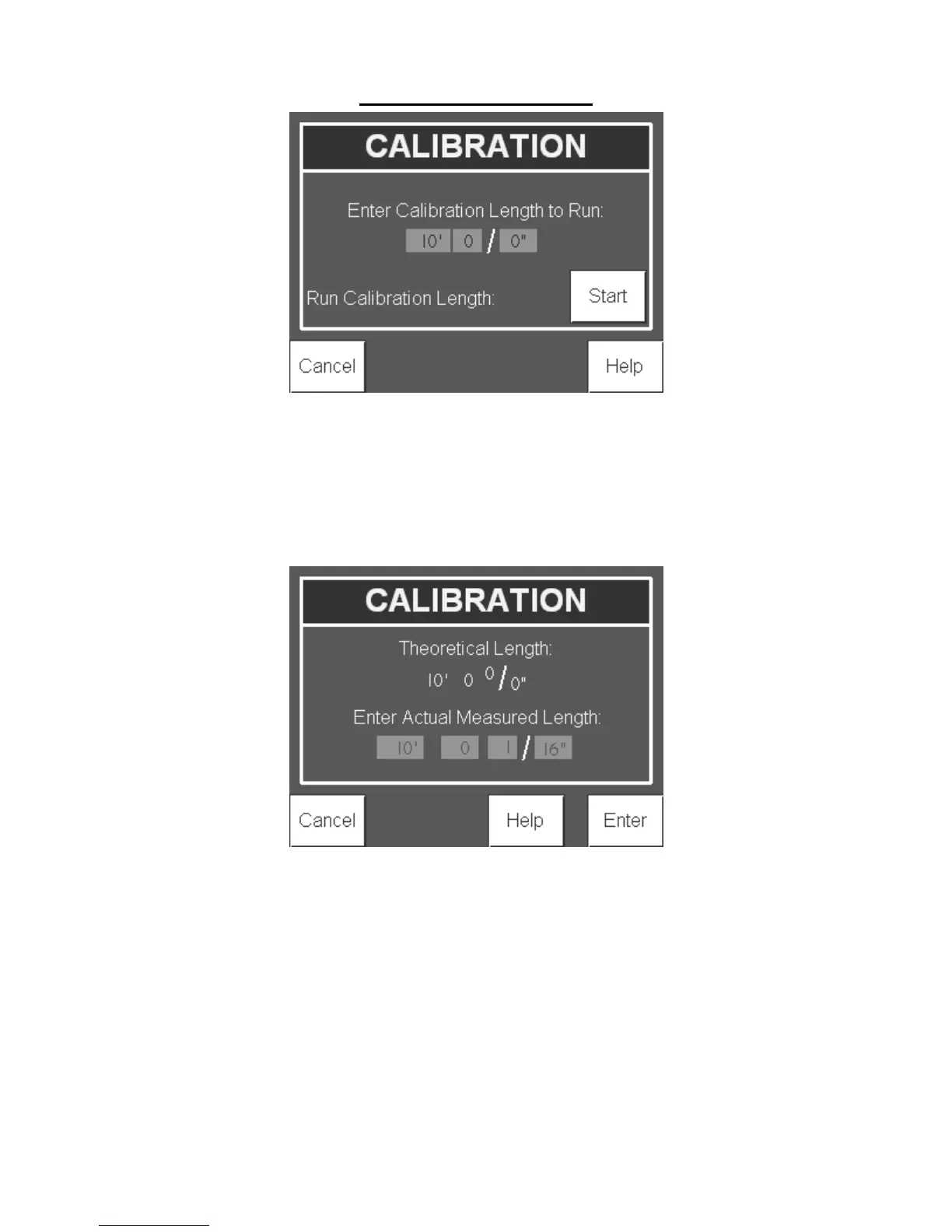
Figure 92: Calibration Screen
The controller will display the theoretical length of the part after it is produced. The
theoretical length may be slightly different than the intended calibration length due.
Measure the length of the part and input the length in the Actual Measured Length fields.
Press Enter to re-calibrate the controller or Cancel to return to the Home screen without
making any changes to the controller.
Figure 93: Calibration Screen
Setup:
From the Home screen, press the Setup button to make setting changes to the controller.


 To Next Page