APPENDIX A
PLC CONTROLLER
A - 7
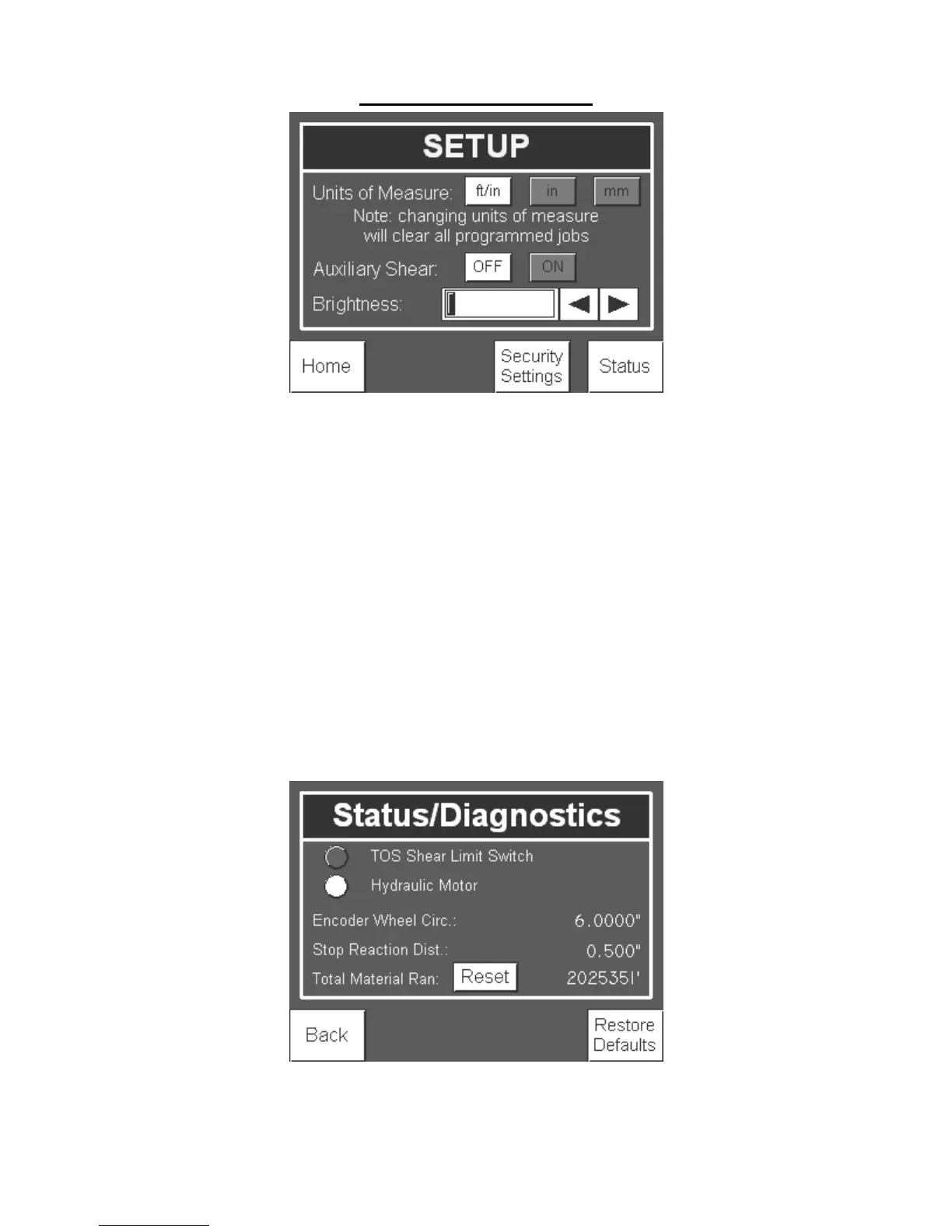
Figure 94: Setup Screen
In the Setup screen, the Units of Measure can be changed to Imperial units in either feet
and inches (ft/in) or only inches (in) or Metric units (mm).
Example:
ft/in: 10’ 4 1/16”
in: 124 1/16”
mm: 3,151mm
The shear operation can be turned on and off if an auxiliary shear such as the Swenson
Snap Table will be utilized.
The brightness of the display can also be adjusted up or down by pressing the right and
left arrow buttons.
Status/Diagnostics:
In order to help troubleshoot the machine, press the Status button found in on the setup
screen to bring up the status of the machine as seen from the controller.
Figure 95: Status Screen


 To Next Page