138 Océ TDS400 User Manual
Log on
The access to the key operator, repro operator, system administrator and
service operator modes is password protected to allow only authorised
personnel to use particular functions.
The default password for the System Administrator is: SysAdm.
The default password for the Key Operator is: KeyOp.
The default password for the Repro Operator is: ReproOp.
Note: The default passwords are case sensitive. Change the passwords after
your first log on.
▼ How to log on
1
From the ‘File’ menu, select ‘Log on’.
2 Select the correct user name.
3 Enter the Password.
4 Click ‘OK’.
Note: You must log on into each application separately.
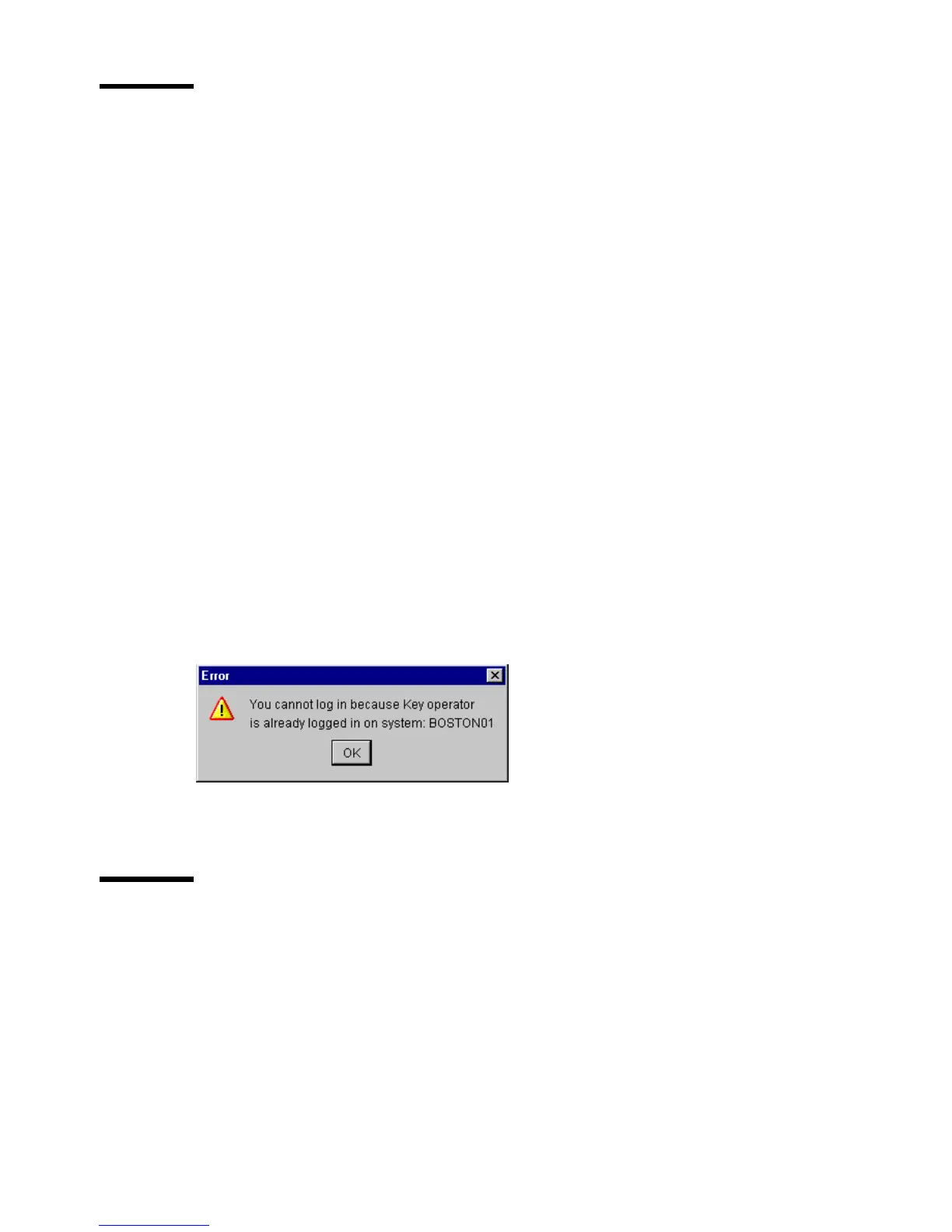
Log on is restricted to one user only. When a second user attempts to log on an
error message will appear (see figure below).
[55]Whenaseconduserattemptstologonanerrormessagewillappear
Log off
You have to log off to leave the key operator, repro operator and system
administrator modes.
▼ How to log off
1
From the ‘File’ menu, select ‘Log off’.
You return to anonymous user mode.
Note: You must log off from each application separately.



 To Next Page