50 Océ TDS400 User Manual
The display
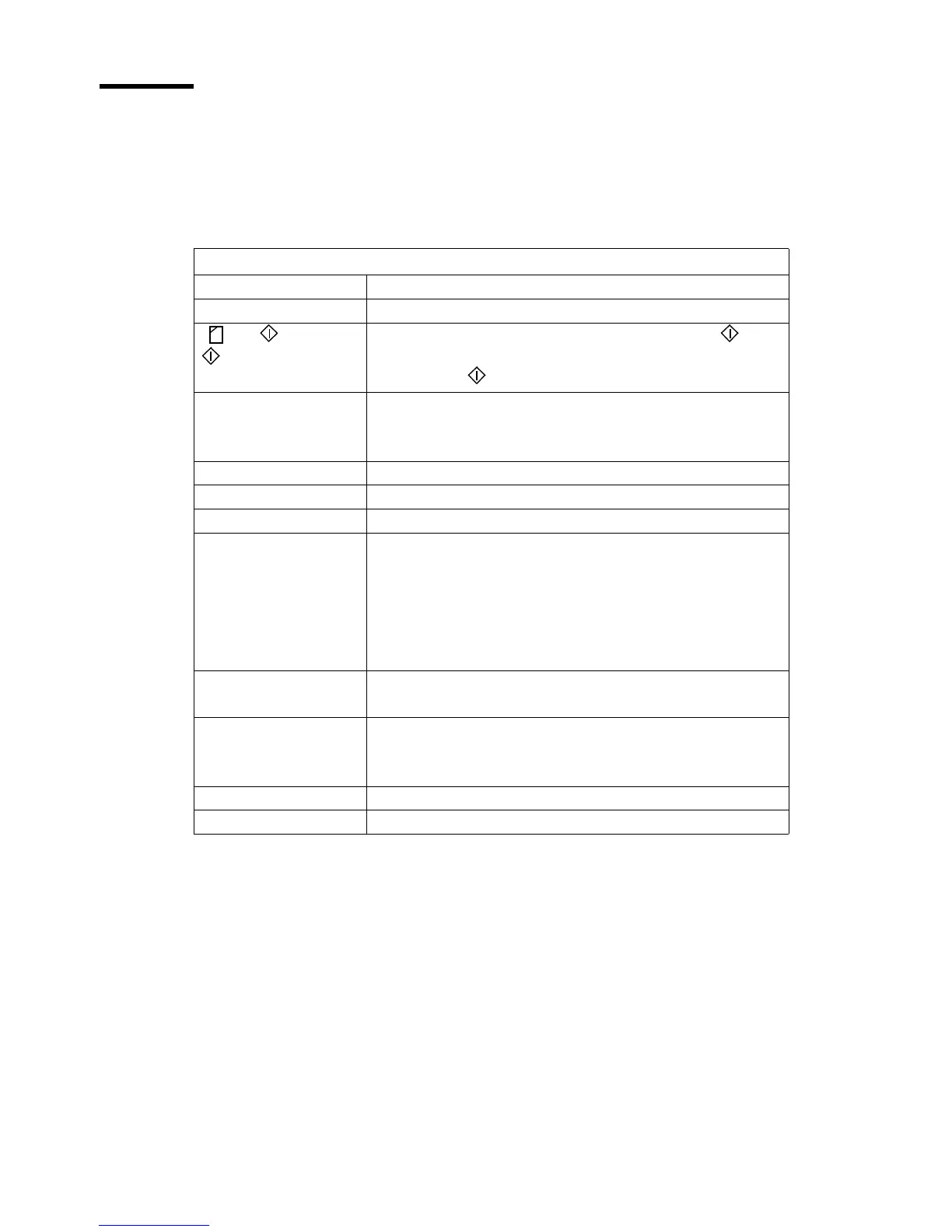
The display shows the feedback about the scan job status (see table below) in
normalmode.Inoff-linemodeitshowstheoff-linemenu(seepage71)and
(see page 82))
.
Status messages
Status Messages Explanation
Scanner ready The scanner is prepared to scan.
+ = add
=close
Add an original to the set and press the Start key .
After the last scan of the set, remove the original and press
the Start key to close the set
.
Connecting..... There is no communication between the controller and the
scanner.
Wait until the there is communication.
Scanner asleep The scanner is in low power mode.
Scanner running The scanner scans.
Please wait The scanner downloads the languages.
Remove original
Press <cancel>
There is an original on the table while you turn on the scan-
ner.
The message appears if you pressed the Cancel key while
you scan.
Remove the original.
Press cancel.
Original too long
Press <cancel>
Use an original shorter than 15 meter.
Wrong orig. type
Press <cancel>
This message shows when you select ‘Background compen-
sation’ and ‘Blueprint’ as original.
Press cancel.
Set closed You closed the copy set.
Reset scanner Turn the scanner on and off.



 To Next Page