206 Océ TDS400 User Manual
The Océ TDS400
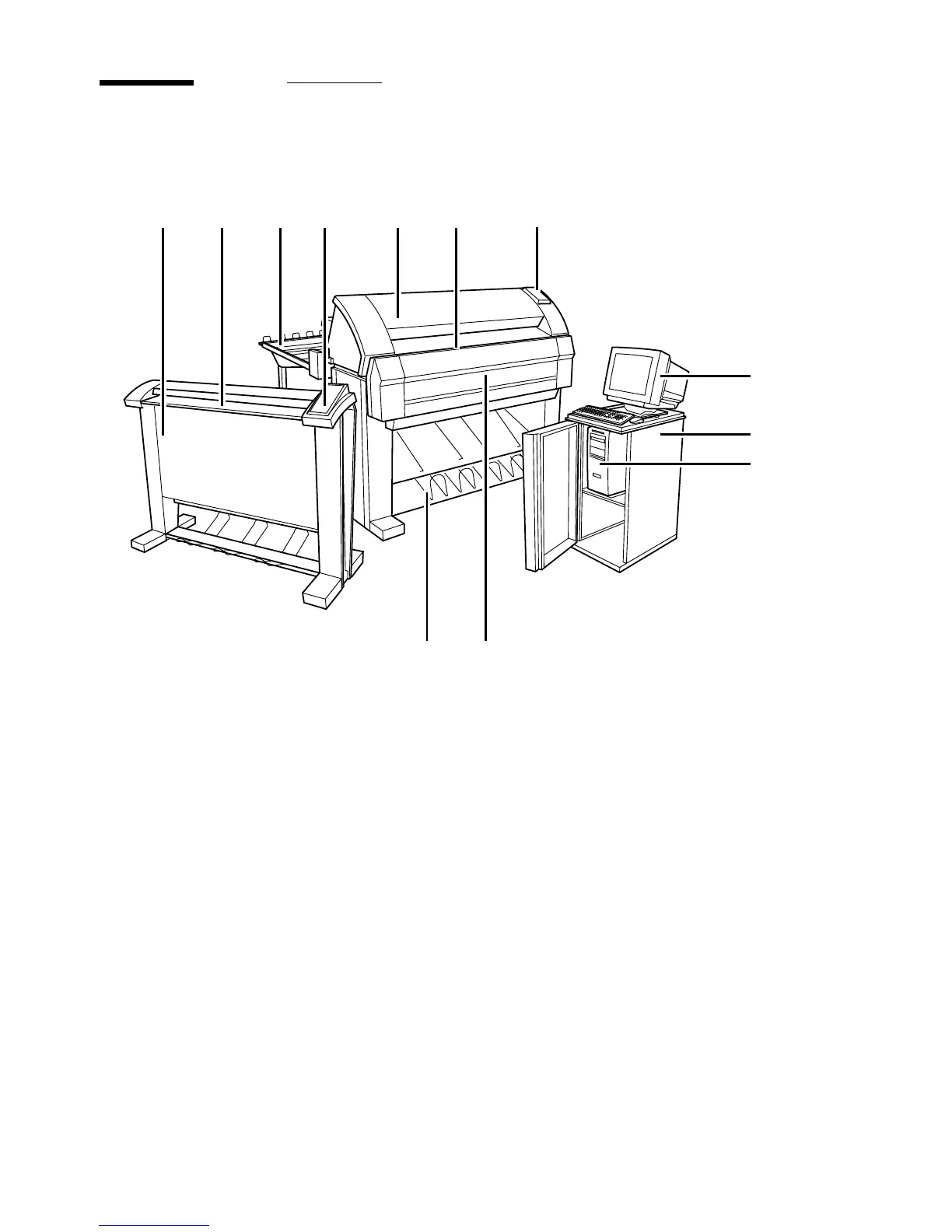
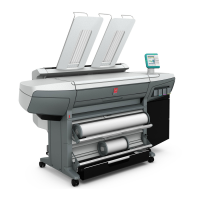
[125] The Océ TDS400 system
1 Scanner
2 Scanner feed table
3 Output delivery tray
Note: you can replace the output delivery tray by an optional folder (see
Figure 120 on page 196).
4 Scanner operating panel
5 Printer
6 Manual feed
7 Printer operating panel
8 Monitor
9 Cabinet
10 Océ Power Logic® Controller
11 Rolls
12 Integrated Receiving Tray
12
34 5 6
8
9
10
1112
7


 To Next Page