Using the Océ TDS400 to Print 25
Display
The display shows the feedback about print job status and error messages see
page 42and page 44 in normal mode. In off-line mode it shows the ‘off-line’
menu (see Figure on page 46).
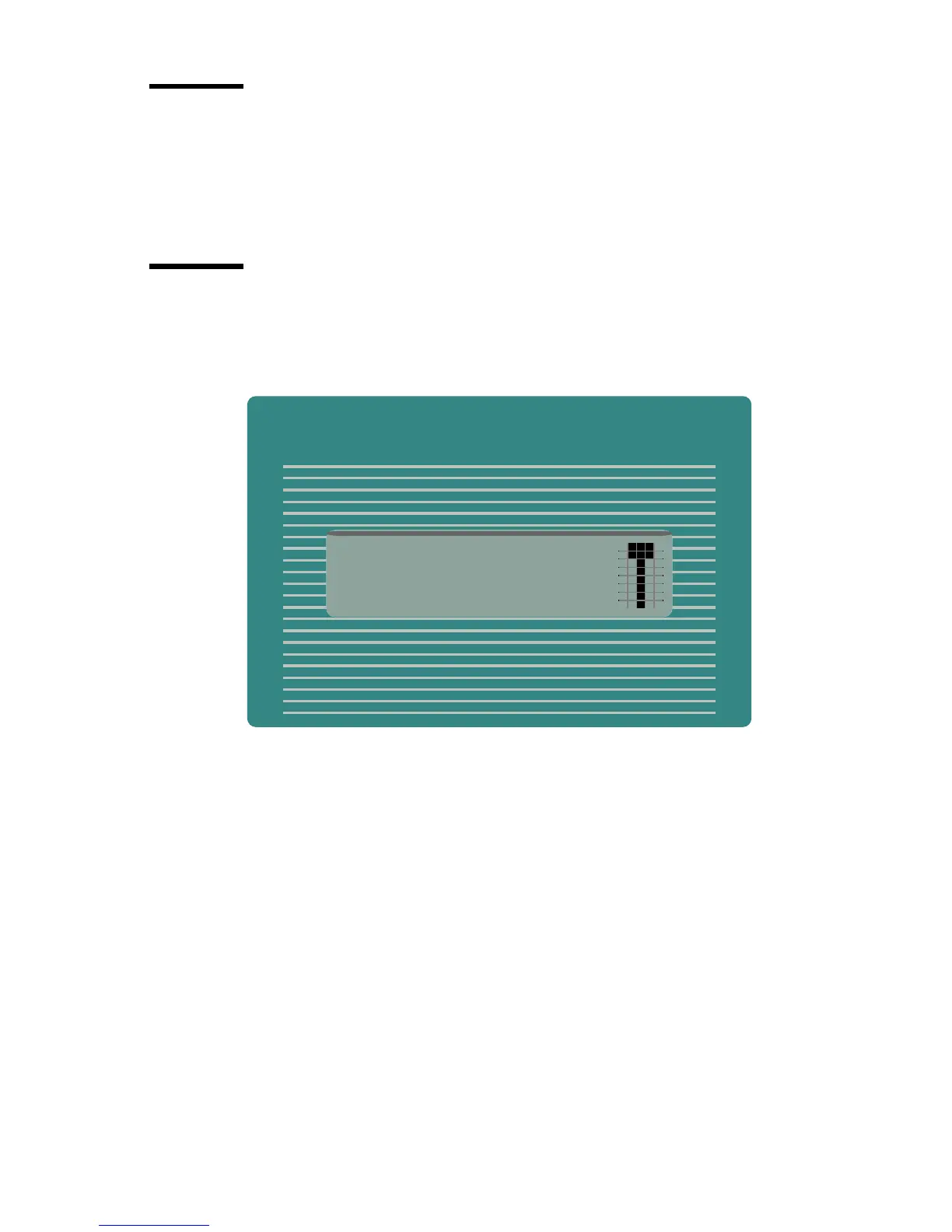
Menu level indicator
The menu level indicator indicates the current position in the menu. Press the
Previous key to scroll through the menu.
[5] Menu level indicator in the top level of the menu



 To Next Page